
We already have a page.html.twig template in our theme's template folder. For demonstration purposes, let's clean it up a bit and only focus on the page.content region.
Begin by opening page.html.twig and modifying the markup as follows:
<div class="layout-container"> <main role="main"> <div class="layout-content"> {{ page.content }} </div> </main> </div>
Make sure to save the template; unlike most times, we do not need to clear the cache this time since the template was already registered with our theme layer.
If we refresh the browser, our page should look a little cleaner. However, one thing to note is that if our site does not contain any content then we will be presented with what Drupal calls the river of news, which is a view of all the latest content. Since we have no content, take a moment to add a Basic page with a title of Homepage and some additional content with the value of Homepage placeholder. Once this page has been added, our display should look like the following:
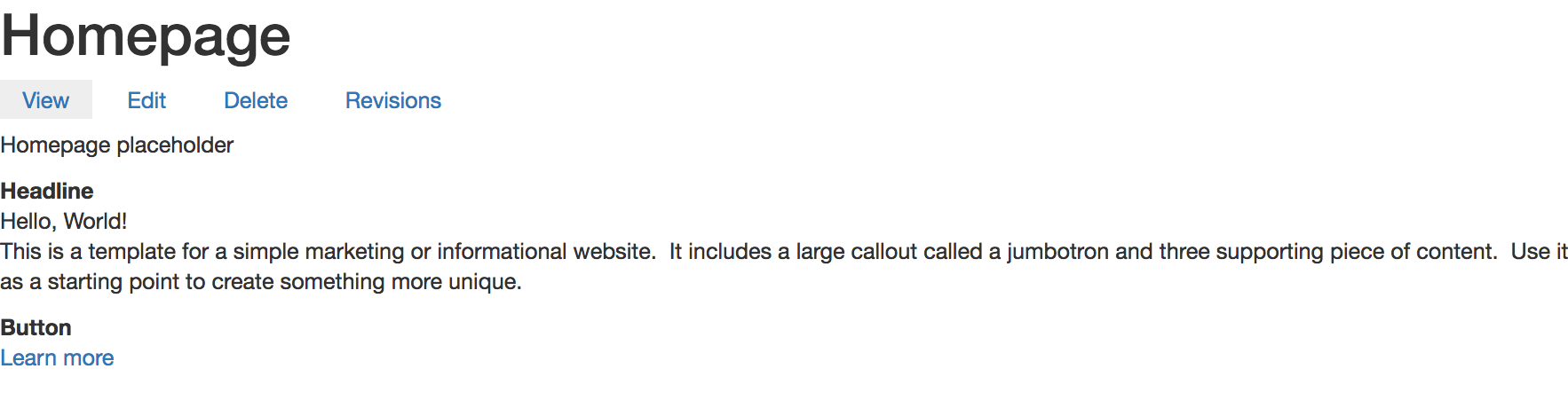
If we were to inspect our page and scroll through the various Twig comments, we would be presented with information telling us that we have a Page title block, a Tabs block, a Content region that contains a Node of content that we just created, and our Jumbotron block. At this point, we could approach theming this page in several ways. For demonstration purposes, we will move on to the Node template.