
We can also add new date formats by clicking on the Add format button on the Date and time formats admin page. This will present us with a similar screen to the one we just used to modify default formats. However, we will need to give our new format a Name and provide a date object string this time.
For example, let's create a format for displaying the Day only:
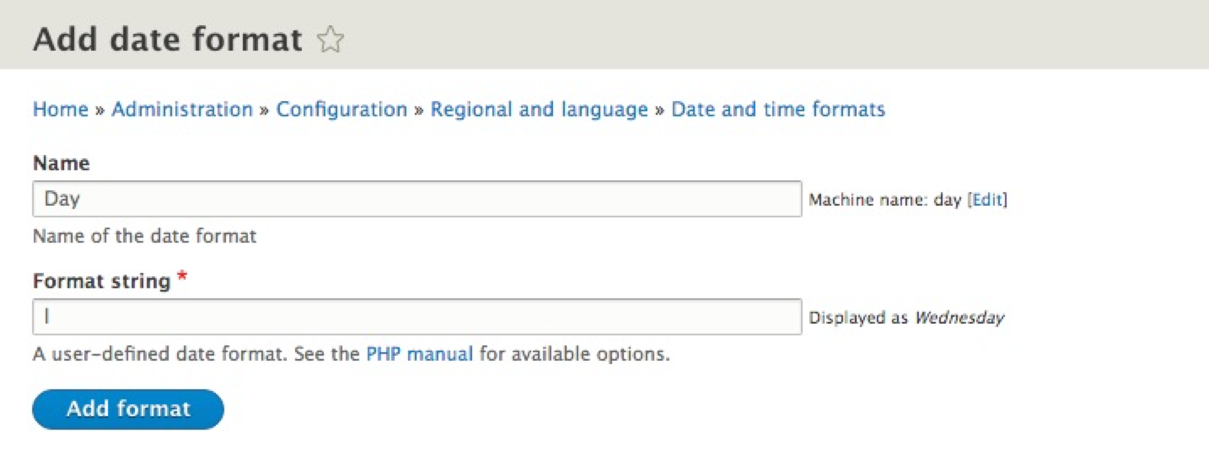
Once we enter the correct values, we can click on the Add format button to save our new date format to Drupal. We can now use this format wherever needed throughout the rest of our website.