
To see an example of how to edit a block, we can click on the Edit button next to the block. We will now be taken to the Edit custom block page where the Block description, Body, and any additional fields can be modified.
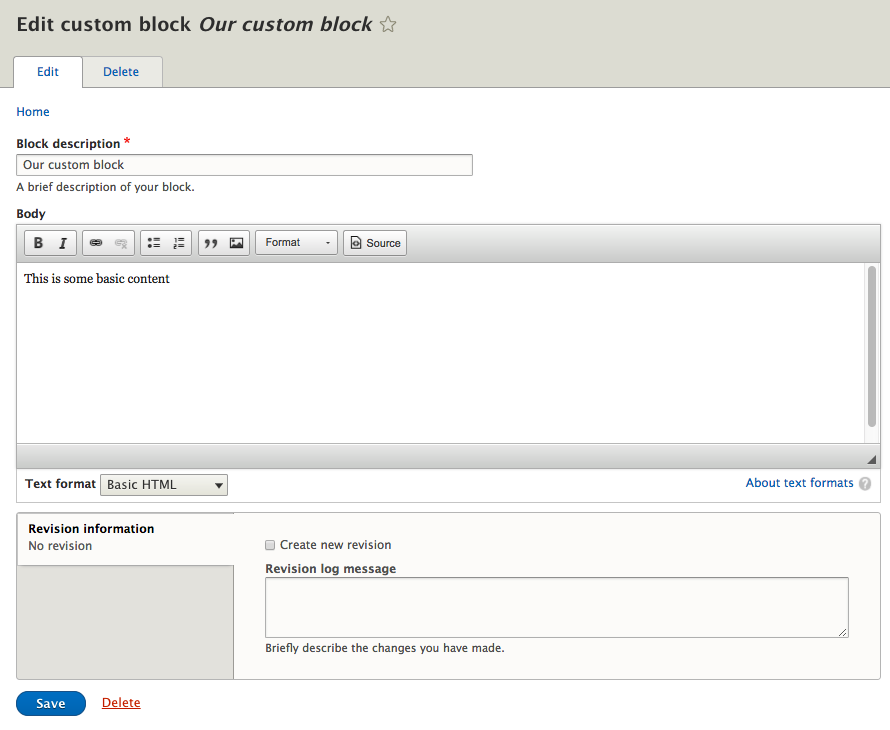
For demonstration purposes, we will not be making any changes to our block. At this point we can navigate back to the Blocks section by simply clicking on the Save button.