The Web Profiler module is a submodule of the Devel module. When you download the Devel module, it becomes available and you can enable it either through the user interface or by running drush pm-enable webprofiler. There are some additional configuration steps you need to perform in order to use all of the functionality of the Web Profiler. First you will need two JavaScript libraries. You will need to download D3 (https://d3js.org) to /libraries/d3 and download Highlight (https://highlightjs.org) to /libraries/highlight. Next you will need to add the following to your /sites/default/settings.local.php file:
$class_loader->addPsr4('Drupal\\webprofiler\\', [ __DIR__ . '/../../modules/contrib/devel/webprofiler/src']); $settings['container_base_class'] = '\Drupal\webprofiler\DependencyInjection\TraceableContainer';
After enabling the Web Profiler module, each page you visit as a user with the View webprofiler toolbar permission will see a toolbar at the bottom of the page showing information such as the time to build the page, the number of database queries, and so on.

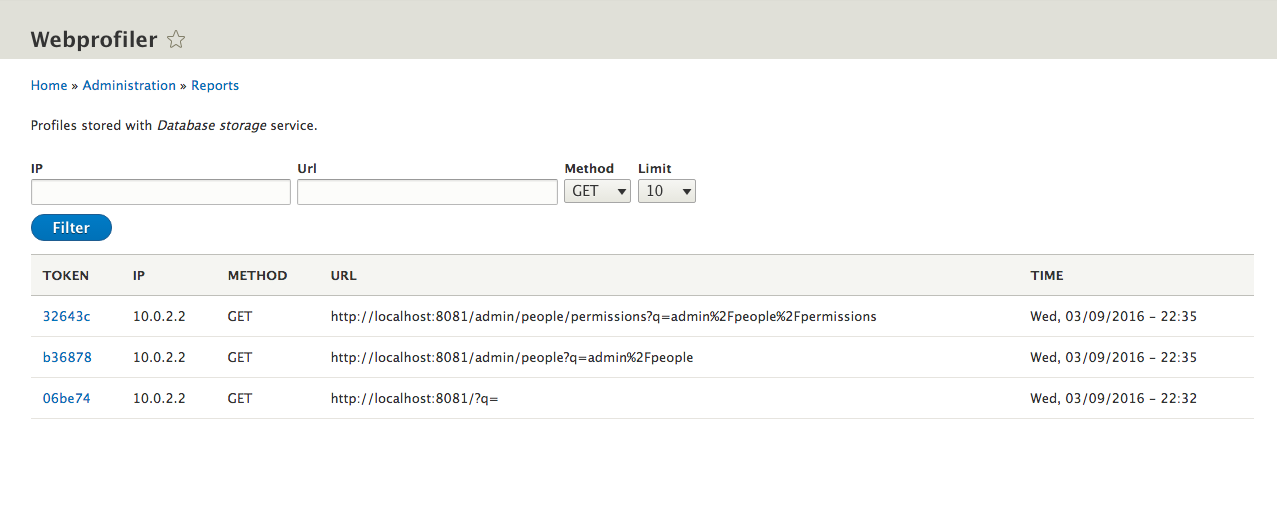
You can click on one of the areas of the toolbar to view more details from the page or you can navigate to Reports | Webprofiler to access details about specific URLs.