
Additional themes for Drupal 8 can be found in several places. Some of these themes must be purchased, whereas others are free to use. We can browse Drupal.org to find prebuilt themes and look at how to install them using the Drupal admin.
You can begin by navigating to https://drupal.org/project/project_theme.
The Download & Extend section of Drupal.org allows us to filter results based on various options. We can find Drupal 8--specific themes by performing the following steps:
- Select 8.x from the Core compatibility drop-down.
- Click on the Search button.
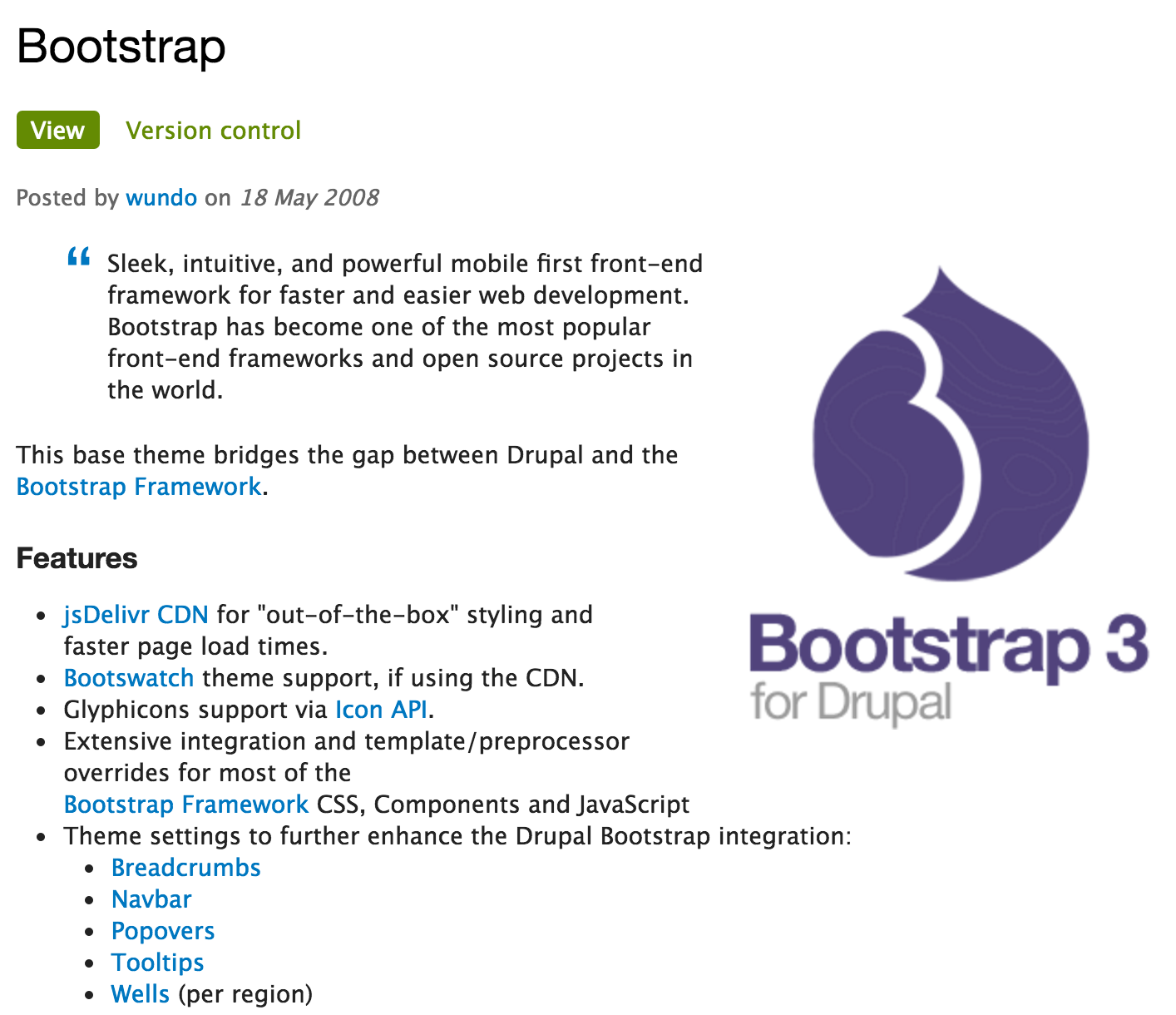
- With a selection of themes compatible with Drupal 8 to choose from, one result looks promising and that is the Bootstrap 3 theme, shown in the following screenshot:
If we scroll down to the Downloads section of the page, we will be presented with several versions of the Bootstrap theme. We will click on either the tar.gz or .zip version that corresponds to Drupal 8. Once the file is downloaded, we will extract the contents of the file and place it within our /themes folder, as follows:

We can now navigate back to the Appearance admin located at /admin/appearance/settings, scroll down to Uninstalled themes, and as we did earlier, click on the Install and set as default link for Bootstrap 3 theme.
If we now navigate to our homepage, we will see that the new theme has been installed:
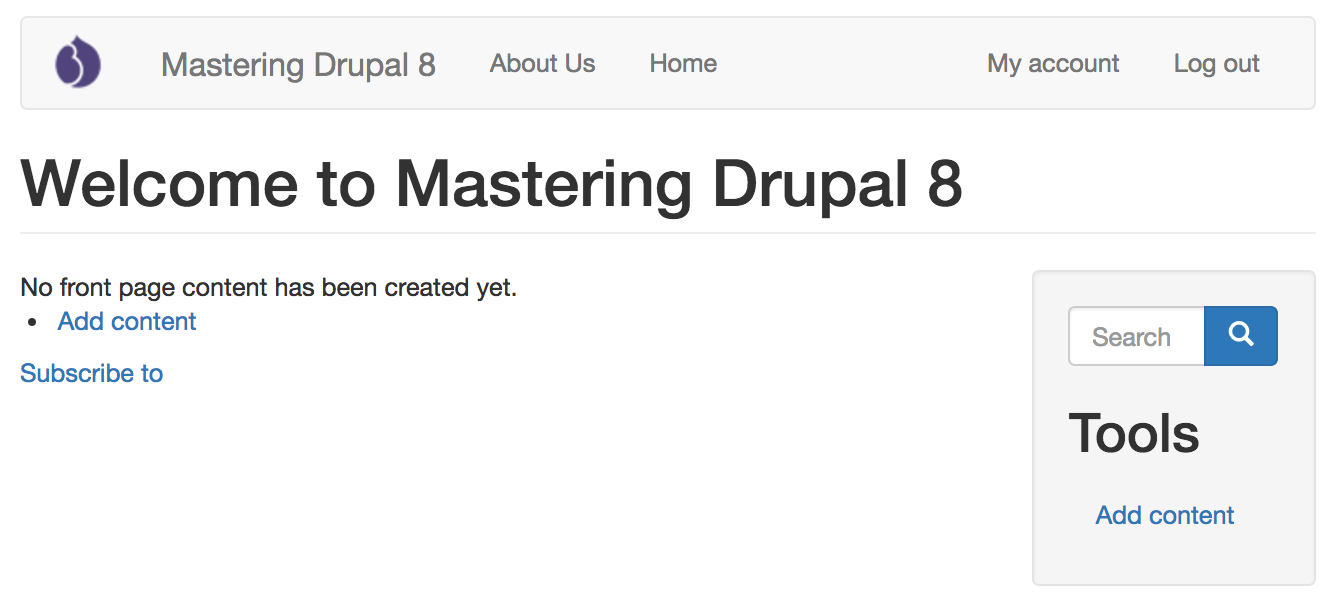
Keep in mind that our website may reflect different content depending on what content was present prior to installing and enabling our new theme.
When using prebuilt themes, depending on the theme's author, there may be additional theme settings available. Bootstrap 3 comes with quite a few additional settings to control general settings, such as responsive images, and components such as Breadcrumbs, Navbar, and more. Anytime we choose to use a prebuilt theme, make sure that you visit the theme's settings to configure anything else that may be needed.
So far, everything has been very visual, and we have not yet touched the surface of what is involved in working with themes in Drupal 8. To understand how a theme is rendered, we need to explore some key concepts:
- Folder structure and naming conventions
- Managing configuration in Drupal 8
- The role of templates in Drupal