
Each block that Drupal displays also has a block.html.twig template that it uses. We can override this template like we did with the Node template. All we need to do is identify the path and the filename suggestion to use.
Begin by inspecting the Headline label and identifying which template is being used:
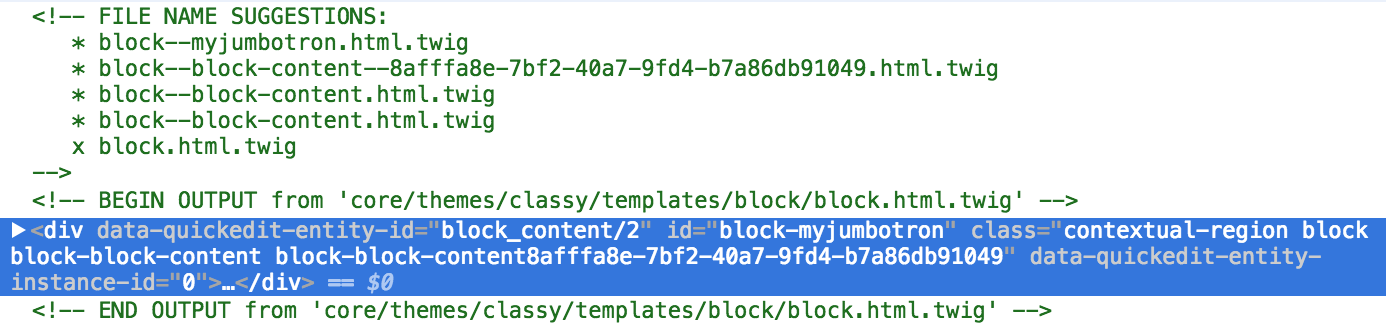
Based on the Twig comments, we know the exact location of the Twig template and that Drupal is using the base block.html.twig template. With this information, we can override the template by following these steps:
- Copy the block.html.twig template from /core/themes/classy/templates/block/block.html.twig.
- Paste the copy into /themes/twiggy/templates.
- Rename block.html.twig to block--myjumbotron.html.twig.
Make sure to clear Drupal's cache and then refresh our page within the browser. Drupal is now using our copy of the template and we can proceed by modifying the markup as needed.
Open block--myjumbotron.html.twig and replace the markup with the following:
{{ content.field_headline }} {{ content.body }} {{ content.field_button }}
Here we are printing out the three fields that contain the content we want to use. If we refresh the page, we will see that nothing has changed.
Now for us to utilize Twitter Bootstrap's Jumbotron markup to surround our Twig variables with the following:
<div class="jumbotron"> <div class="container"> <h1>{{ content.field_headline }}</h1> {{ content.body }} {{ content.field_button }} </div> </div>
Now if we refresh our page, we are starting to look better. However, you may have noticed that we are also printing the labels of the fields we are outputting:

To fix this, make sure to change the Label displays on the custom block to hidden and then refresh the page:
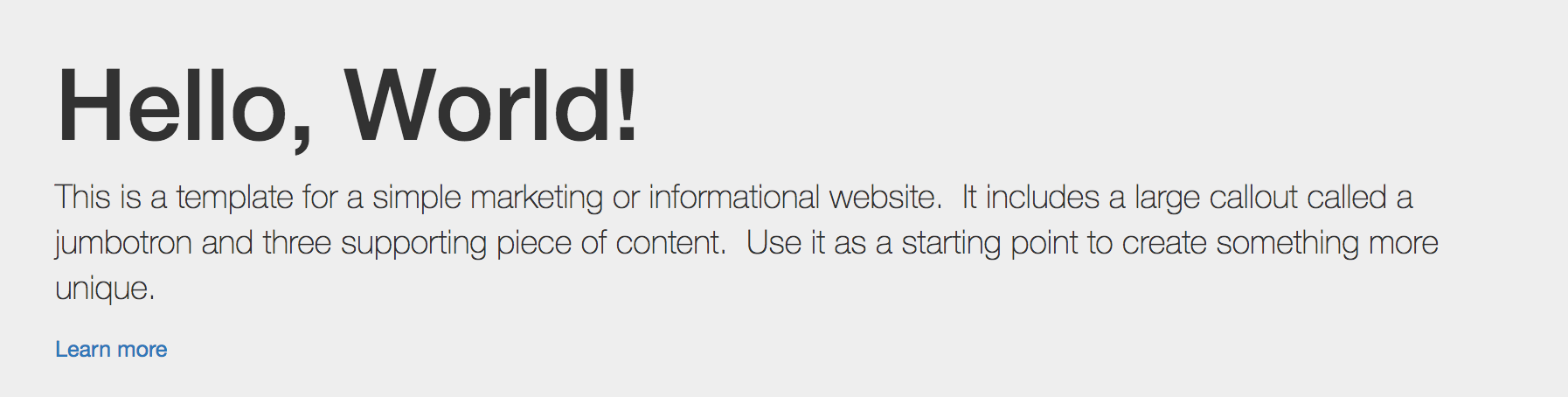
At this point, the only thing that remains to be themed is our button. Currently, it is displaying as a normal link. There are a couple ways to address this. One is to drill down into the content.field_button variable, which is more of an advanced topic. The second is a little easier and involves creating a Field template.