
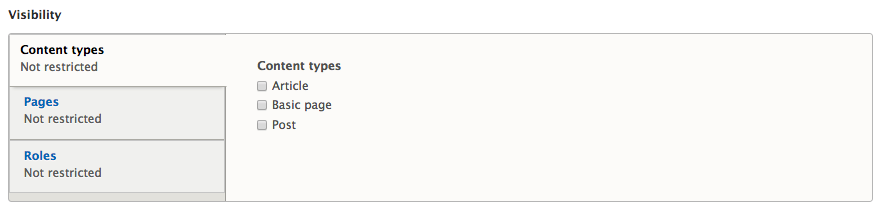
The visibility of content types allows us to determine whether a block is displayed based on the content type of the node or page that the block is placed on. This restriction ensures that a block meant to be displayed on all Article content does not accidentally show on Basic pages.
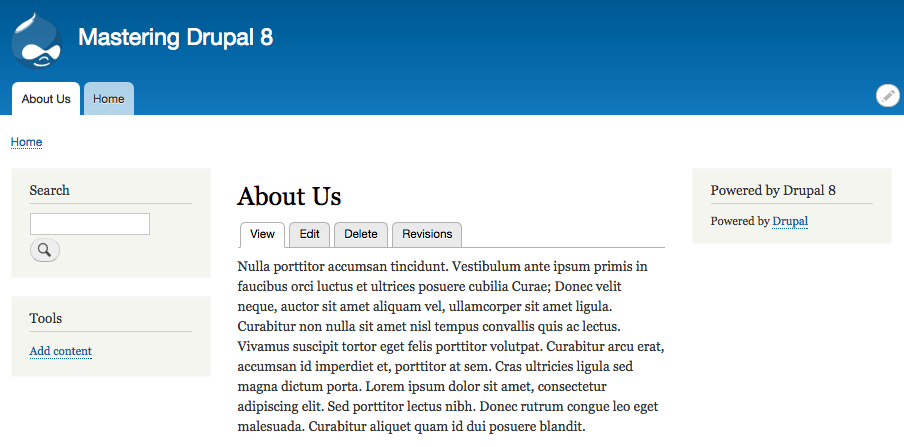
To demonstrate this functionality, we can view the About Us page that we created in Chapter 4, Content Types, Taxonomy, and Comment Types. There, we will see that our Powered by Drupal block is currently displaying in the right sidebar:
We can prevent the block from displaying on the About Us page by using the contextual menu to click on the Configure block link and, from the Configure block page, following these steps:
- Select the Content types tab from the Visibility section
- Check both Article and Post from Content types
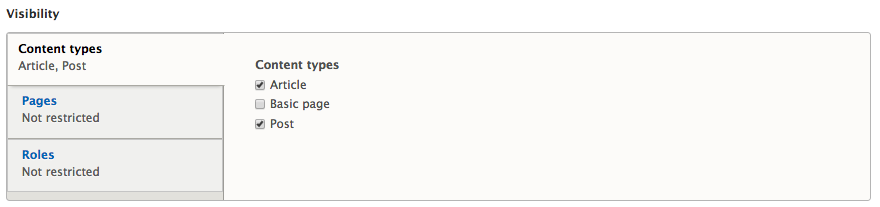
- Click on the Save block button
We will now be back on the About Us page and the Powered by Drupal block is no longer present. This should give us a better understanding of how Content types visibility works with blocks. Go ahead and restrict the visibility for Post content types as well, as we will be referring to our Post content type later in the book. Make sure to verify once again that there is no sidebar present on Post content.
Now that we are getting the hang of this, lets navigate back to the Block layout page and configure the Powered by Drupal block to look at the visibility settings for Pages.