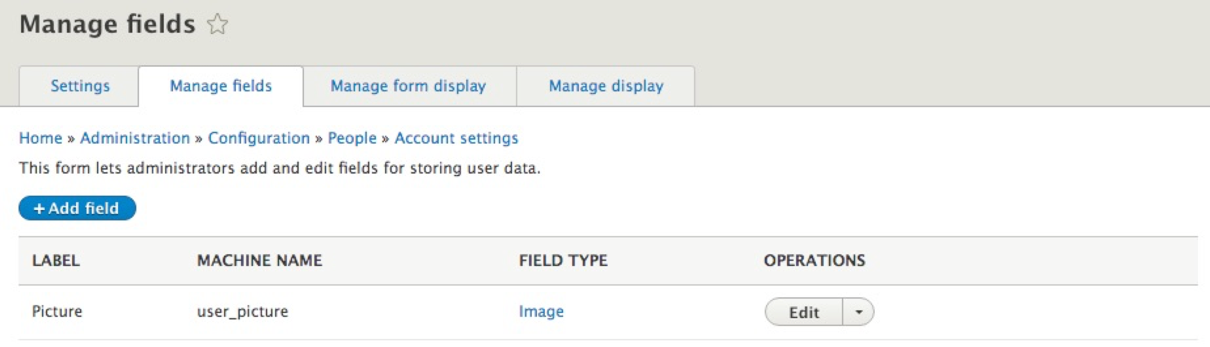
Another function of Account settings is the ability to add additional fields to the user profile. When we created a new user, we were limited to only the minimal information that was needed to allow the user to log in. Often, there is a requirement to capture additional information such, as the user's full name or bio.
Fortunately, adding additional fields is a simple process. If we click on the Manage fields tab within the Account settings page, we will be taken to the Manage fields page where we can use the Field UI. The Field UI allows us to add and configure additional fields that we want to use for our user. The Manage fields section is something we will become quite familiar with, by using it through various sections of Drupal.