
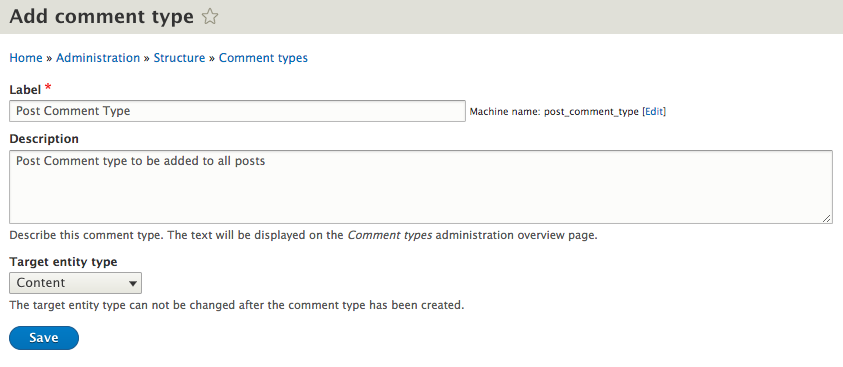
We will add a new Post Comment type by first clicking on the Add comment type button located on the Comment types admin screen. Like content types, we will need to add a Label, a Description, and choose a Target entity type by entering the following values:
- Label: Post Comment Type.
- Description: Post Comment type to be added to all posts.
- Target entity type: Choose Content from the dropdown:
We can now click on the Save button to successfully create our new Comment type. We will not add any additional fields now, as the process is identical in nature to content types.