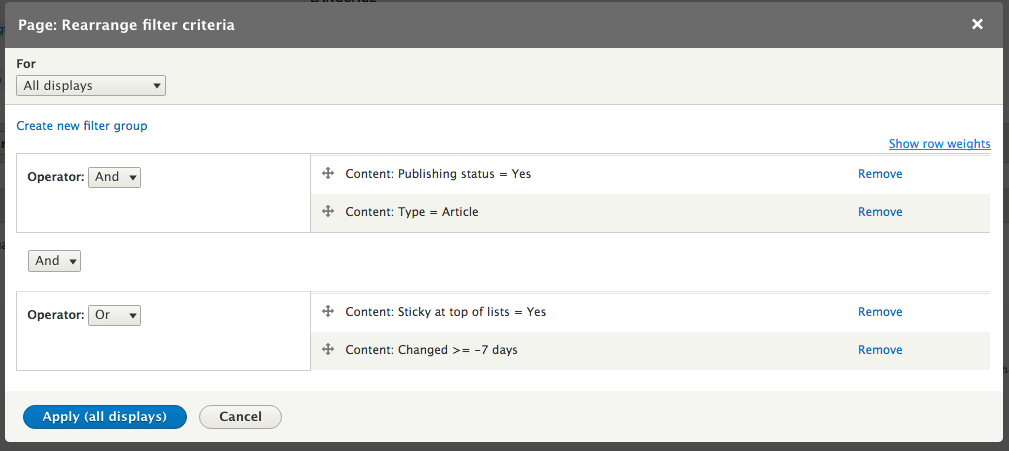
In addition to adding new filter criteria, we can create groups of them. By default, all filter criteria added are in a single group with the AND operator. So, the View will find any nodes that are published AND have the content type of Article AND were created or modified within the last seven days.
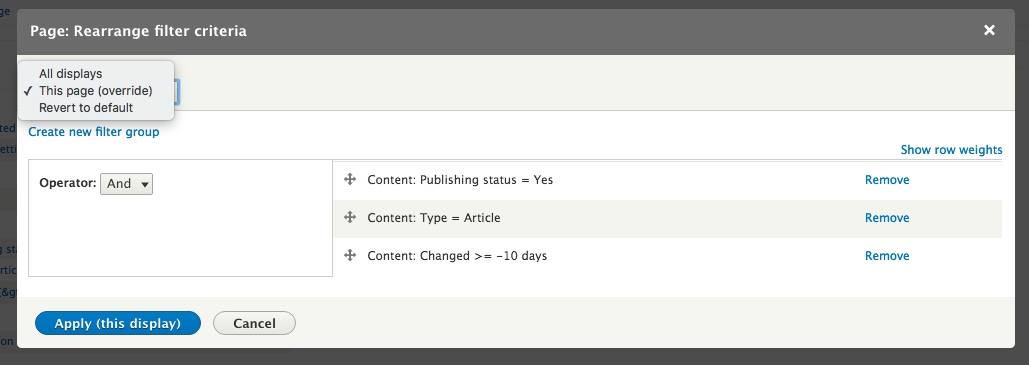
If we wanted to change this to allow administrators to also mark nodes as Sticky at the top of lists and have them also show up in the View, regardless of when they were published, we would not be able to simply add that as an additional filter.
Adding that filter is the same process as before: click the Add button, find Sticky at top of lists and select its checkbox, click Apply (all displays), and select Yes for Sticky status.
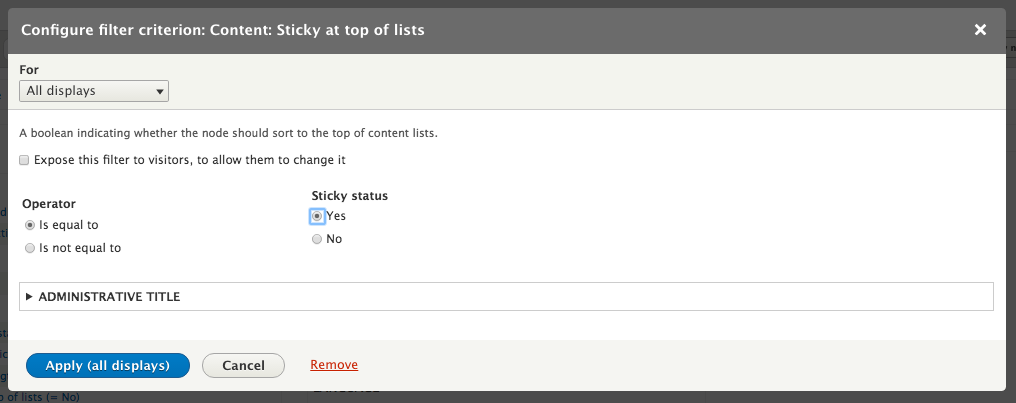
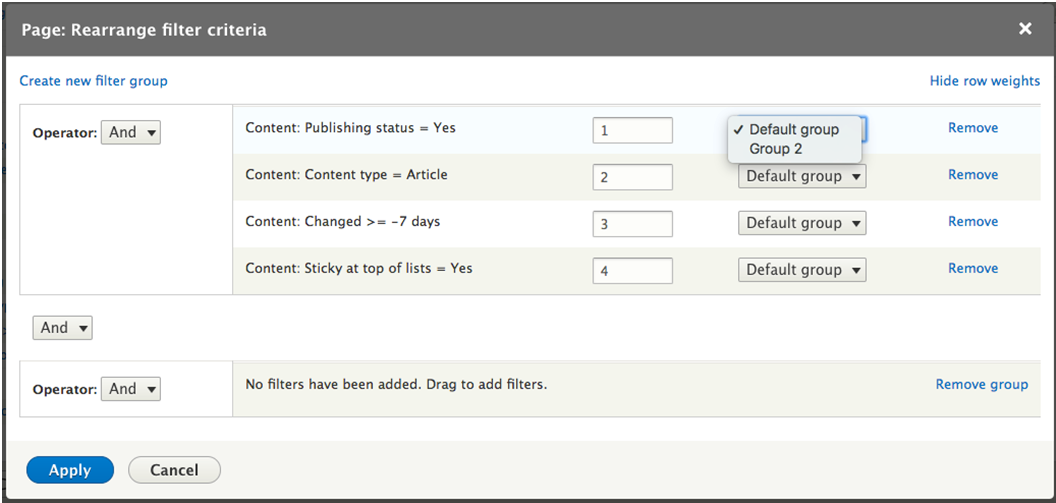
Of course, right now this shows no results since we don't have any Articles that were changed recently or marked as Sticky. To get the filter criteria in the correct order we need to open the And/Or Rearrange dialog. On that dialog, click the Create new filter group link, which will add a new area with the text No filters have been added. Drag to add filters.
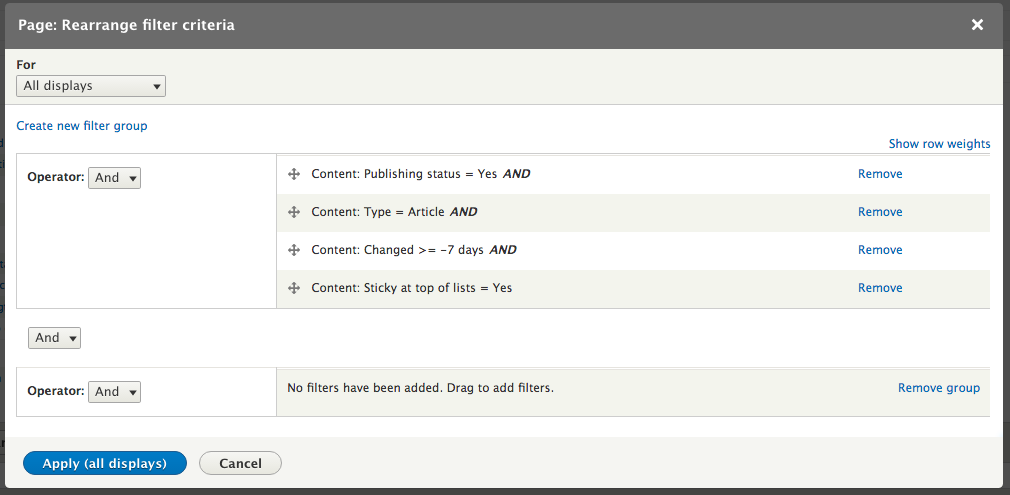
From there, we want to drag the Content: Sticky at top of lists = Yes and the Content: Changed >= -7 days rows down to the new filter group, select Or for Operator and then click Apply (all displays). Alternatively, you can click the Show row weights link and select Group 2 instead of Default group.
Once you've changed the filter criteria, click the Apply (all displays) button to save the configuration for the View.