
We can see an example of how revisions work by navigating back to the About Us page we created earlier by directly entering /node/1/edit or using the Admin toolbar, clicking on Manage | Content, and selecting the About Us link and then the Edit tab.
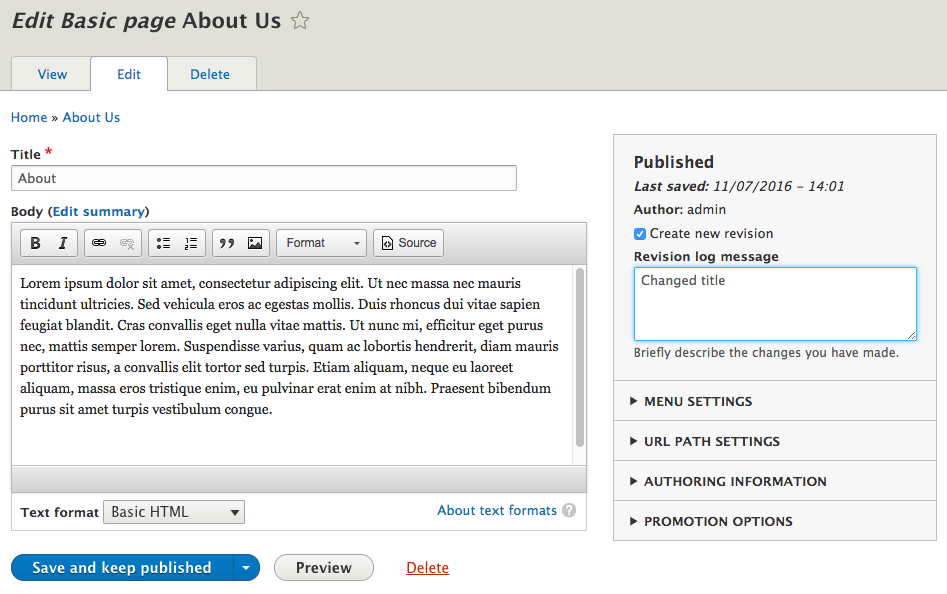
If we look at the right sidebar on the Edit Basic page screen, we will see the Create new revision section and the corresponding log message that allows us to add additional information about what we are changing. To test this functionality, change the Title from About Us to About, add a Revision log message of Changed title, and click on the Save and keep published button:
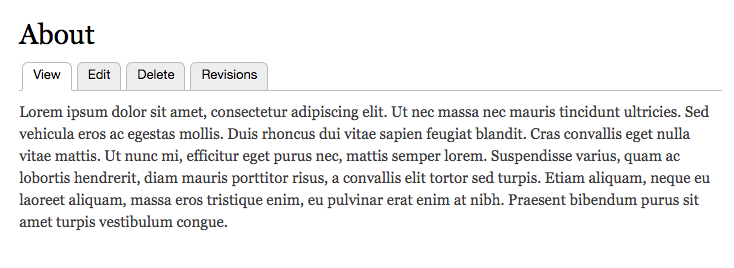
Now when we view the About page, we will see a new tab alerting us that we have Revisions available:
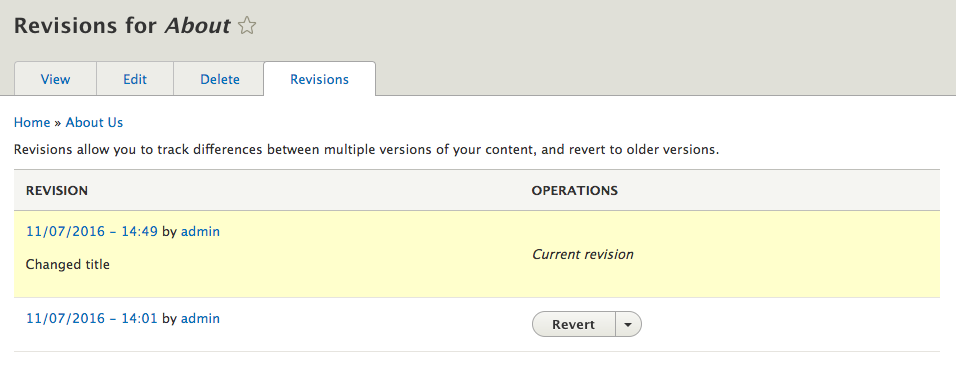
If we select the Revisions tab, we will have a list of all the previously created or edited versions of our page, including the date the edit was made, who made it, and any log messages that were added:
The Revisions functionality can be extended to provide a side-by-side comparison of differences by adding the contributed module--https://www.drupal.org/project/diff.