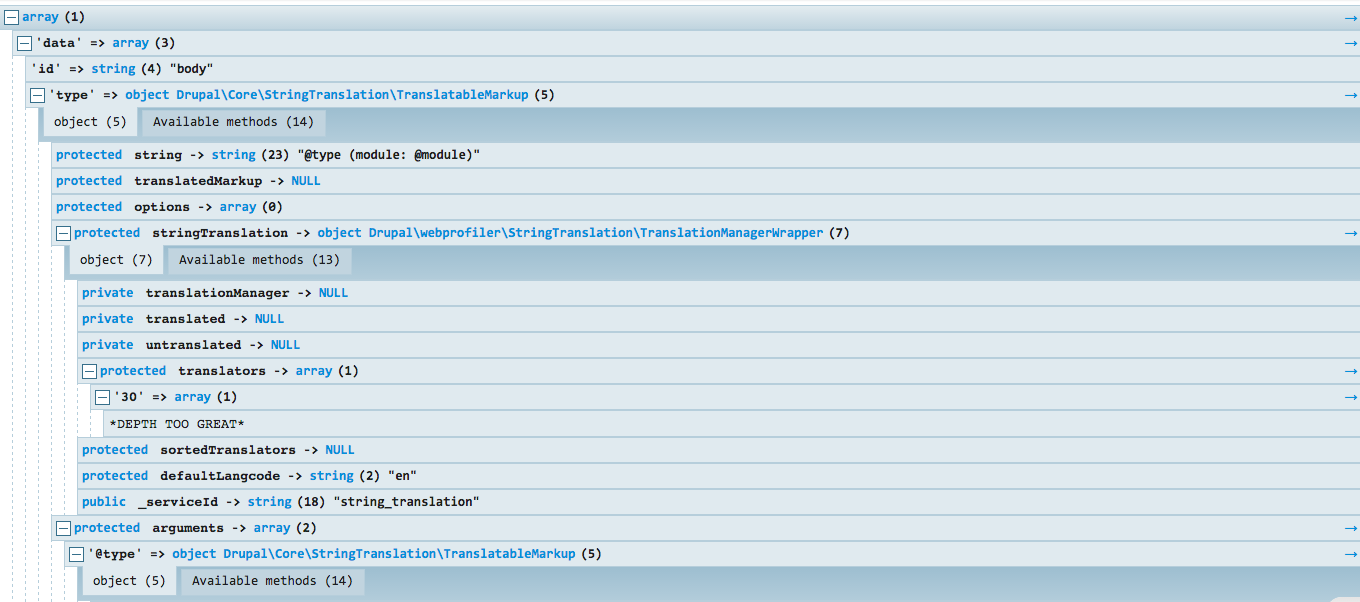
Debugging with an interactive debugger such as Zend Debugger or Xdebug is an extremely powerful way to dig deep into a Drupal site. Unfortunately, it can be time consuming to set up, may be difficult to use with some editors, and may not be available in your current environment. The Kint module has a very easy way to handle lightweight debugging by outputting variables. By adding a simple kint($var) statement, you can output the value for a variable to the screen. If the variable is an array, it will output each row; if it's an object, it will output all class variables and functions. For each class method, it will also read the PHPDoc block at the top of the function to give you some idea of what the function does. If you prefer to have the debugging happen through the message block, you can run ksm($var) instead, just like you had dpm($var) in earlier versions of Drupal.