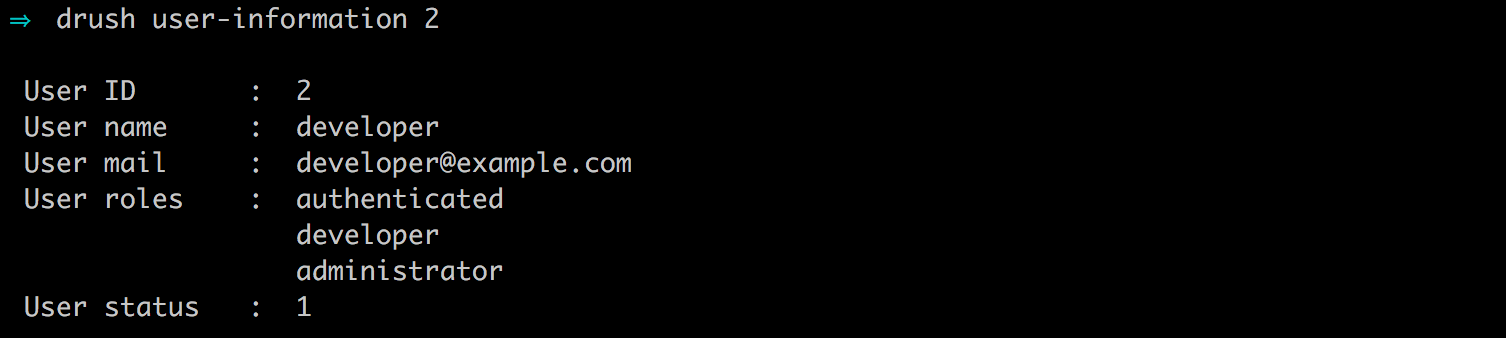
To assign a role to a user using Drush, we simply need to know the name of the role, the user ID we want to assign the role to, and the drush user-add-role command.
For example, if we want to assign the administrator role to our developer user, we would enter the following command:
drush user-add-role 'administrator' 2

We can then list the user information to verify that the role has been assigned.