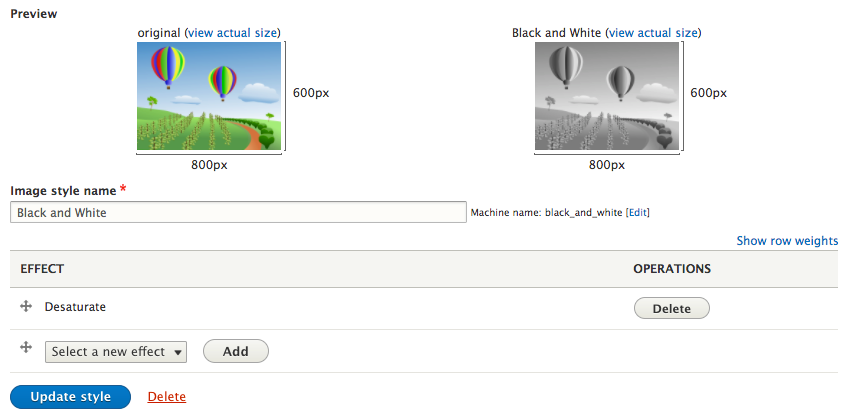
New image styles can be added at any time. All that is needed is the name of the new image style and the effect we want to perform. For demonstration purposes, we will create a new image style called Black and White and add the Desaturate effect to it. Let's do it by preforming the following steps:
- From the Image styles page, click on the Add image style button.
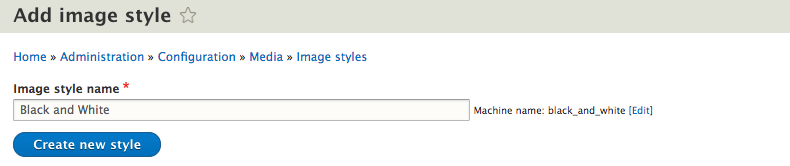
- Input the Image style name as Black and White.
- Choose the Desaturate option from the EFFECT dropdown and click on the Add button:

- Our new image style is now created and can be applied to any image field.