When we first install Drupal, it provides us with an initial View for the homepage that lists all content in reverse chronological order. In most cases, this is not sufficient to expose all the content on a site, so we will end up creating several other Views.
Let's begin by creating a basic list of articles.
Start by navigating to /admin/structure/views/add or by selecting Structure-Views from the Admin toolbar and then clicking the button labeled Add new view.
The most common use case is to have a View that outputs content, that is, nodes, of a particular type. However, you can create Views on any type of entity or other table that is exposed to Views. This includes users and taxonomy terms, but also files, comments, blocks, node revisions, and log entries.
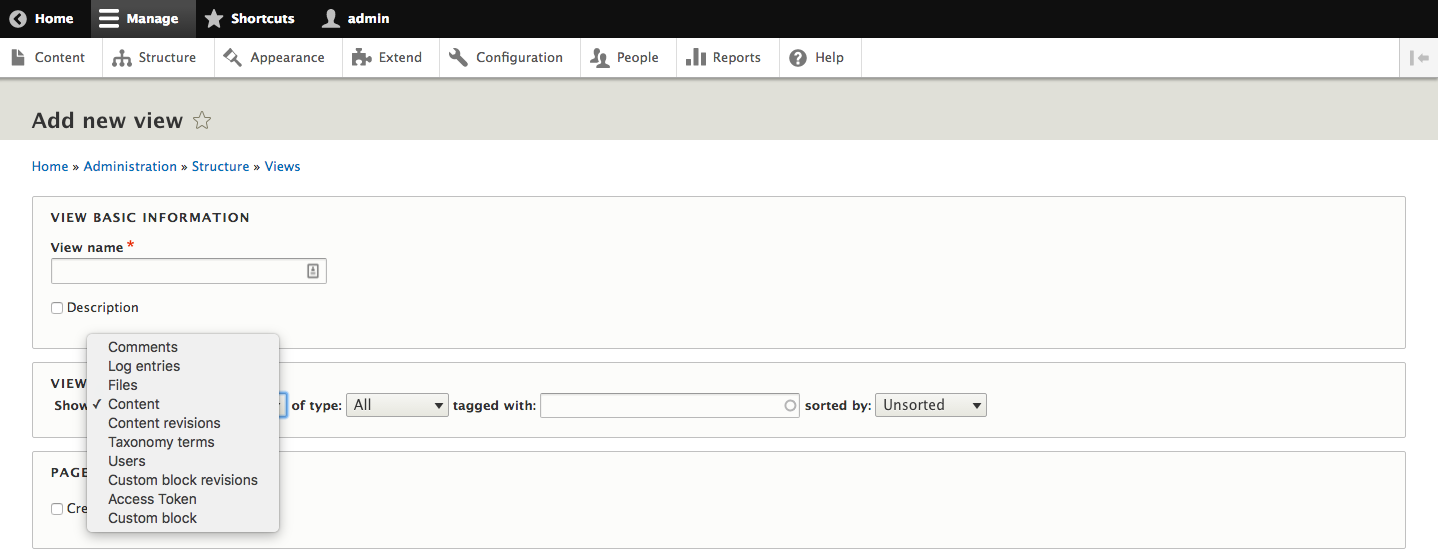
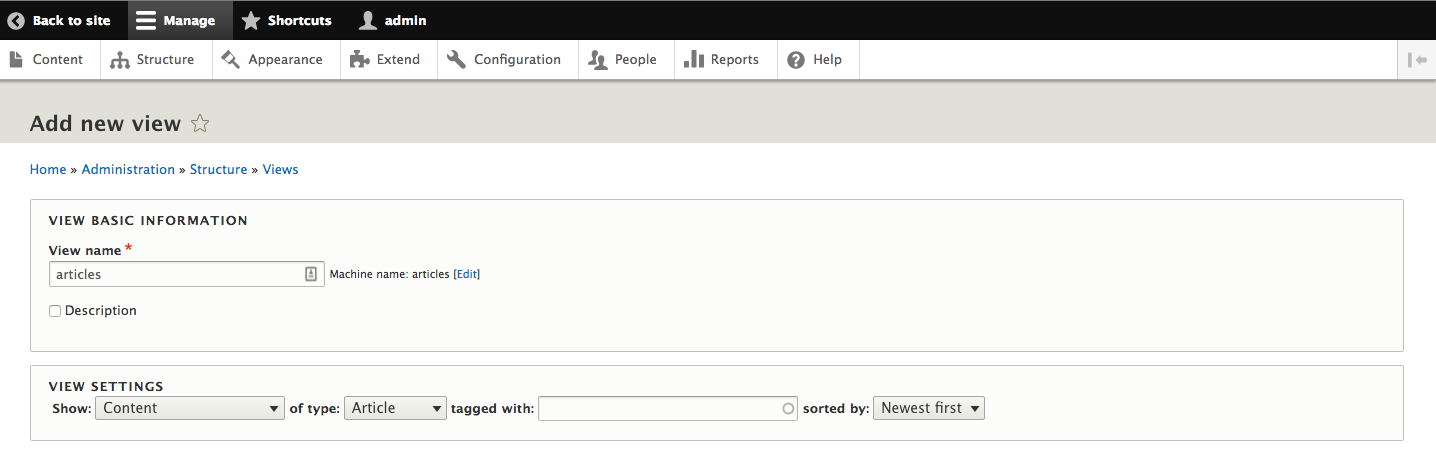
We are going to start with a basic View of contents showing a list of articles. Enter the machine name of articles and select a content type of Article, and then click the button labeled Save and edit.
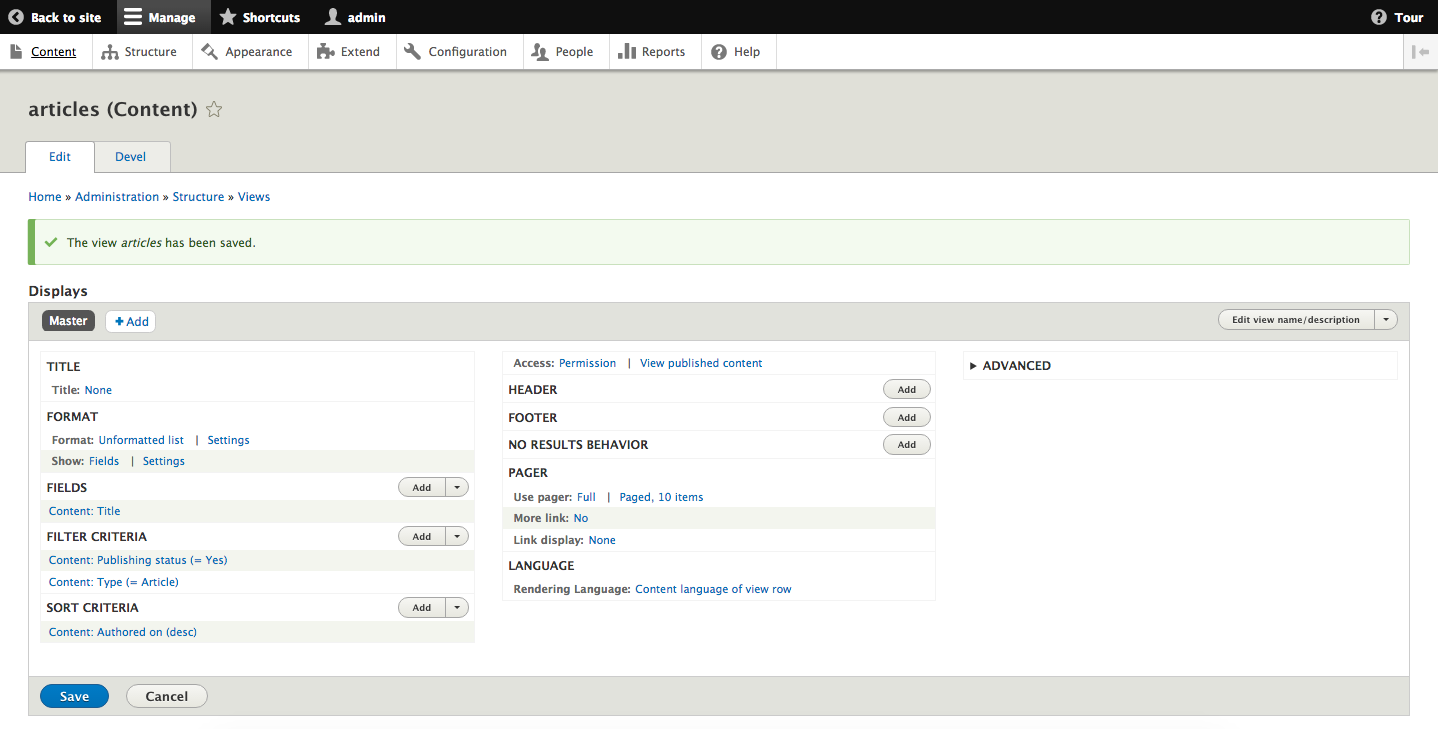
You will then be sent to the View edit page for the new View. This shows the full breadth of options for altering a View:
It also shows a preview showing the results of the View and the timings for the View:
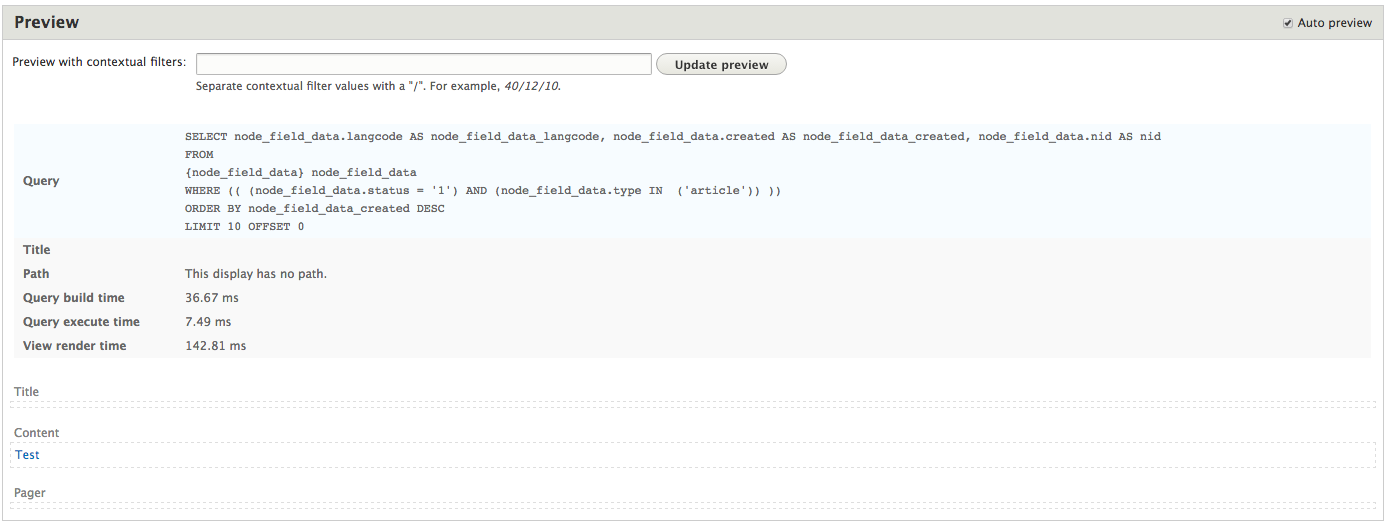
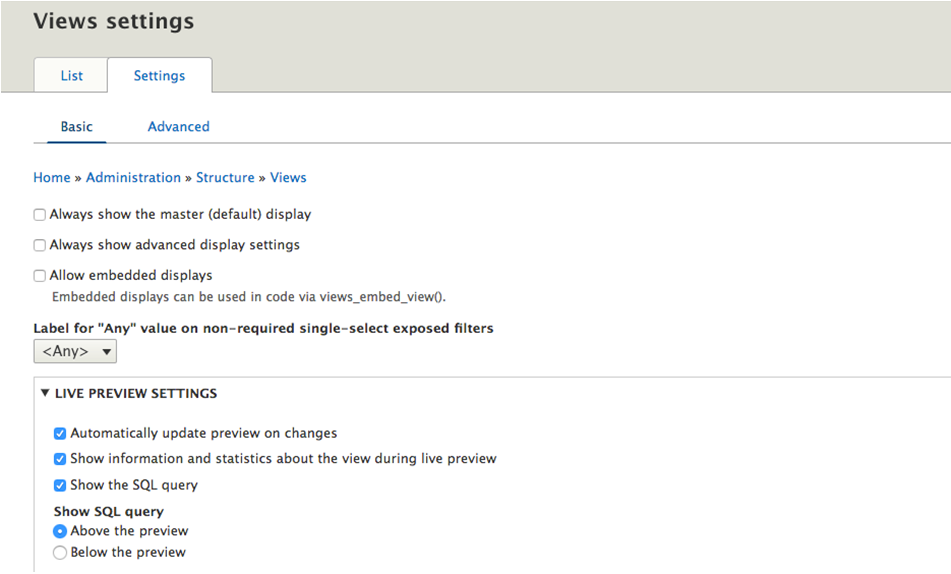
To see the actual SQL generated for the View, you will need to go Structure | Views and then click on the Settings tab (admin/structure/views/settings). From there, select the checkbox labeled Show the SQL query and click the Save Configuration button.