
Managing configuration within Drupal does not always involve changing settings within the administrative panels of a specific section. In fact, Drupal also allows various settings to be configured within the settings.php file. Configuration settings within the settings.php file act as global overrides to those in the database. Some settings, as we will see, can only be set or modified from the settings.php file.
The settings.php file can be located within the /sites/default folder of a Drupal installation.
Keep in mind that the file permissions are set to read only; so, it is important to temporarily modify the permissions to be writeable before making any changes.
Once we have made the settings.php file writeable, we can open it within our favorite editor and locate the Configuration overrides section:
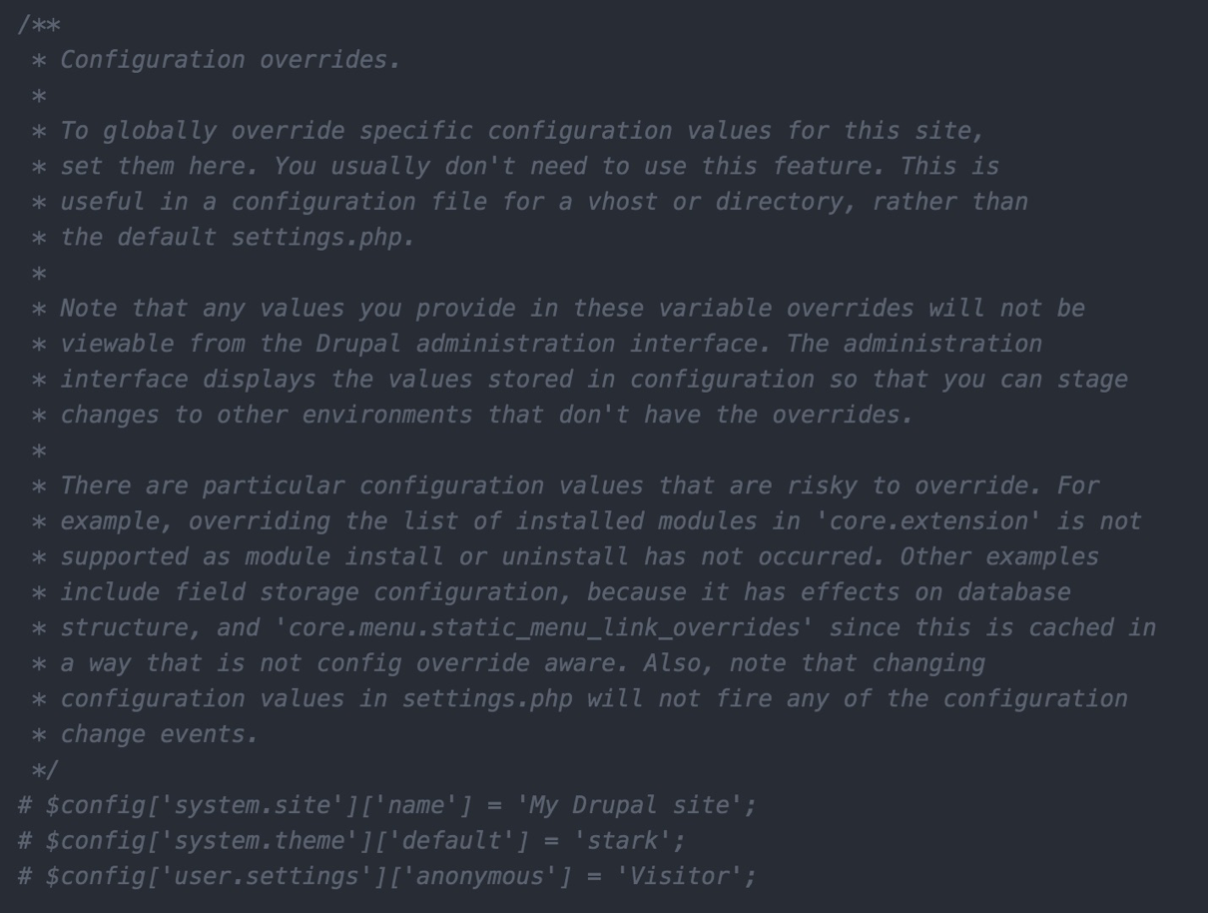
Reading through the Configuration overrides documentation, we can get our first glimpse of which specific values can be overridden, which values are risky or not recommended to be changed, and the syntax to set a specific variable and value.
Currently, there are three examples commented out. Each line follows a specific convention that tells Drupal the configuration setting and value that should be used.
For example, if we wanted to override the Site name configuration, we would use the following syntax:
$config['system.site']['name'] = 'My Drupal site';
Let's try it now by removing the comment to enable this override, save the changes, clear Drupal's cache, and navigate back to our home page to verify that the Site name has changed:

One thing to note is that any global configuration completed within the settings.php file will not be reflected within the admin interface. We can see an example of this by browsing back to the Basic site settings page located at /admin/config/system/site-information:

Keep in mind that, once we begin using global overrides, it is easy to create confusion as to where the value of a variable is being set. This brings up the point of how important it is to document any global overrides that are being configured, especially if there are multiple developers working on a Drupal project.
If, for any reason, configuration overrides are not documented, we can take advantage of Drush to assist us with managing configuration.