
Sometimes we may want to provide additional information to complement an image, maybe a photo credit or a lengthier description that provides more context for the image. We can achieve this by enabling the Caption option when adding an image. To do that, let's perform the following steps:
- Open the Edit Image dialog again by double-clicking on the image.
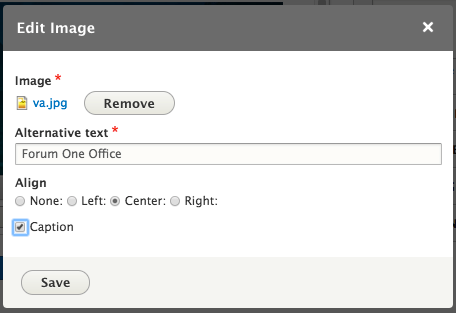
- Select the Caption checkbox and then click on the Save button.
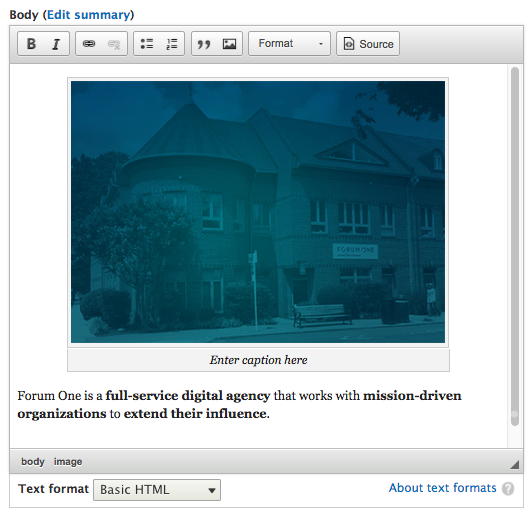
- We can now see our image, along with a placeholder for our caption entitled Enter caption here. If we place our cursor within the caption field, we can continue adding our caption.
- Once complete, we can select the Save and publish button and View our new page.
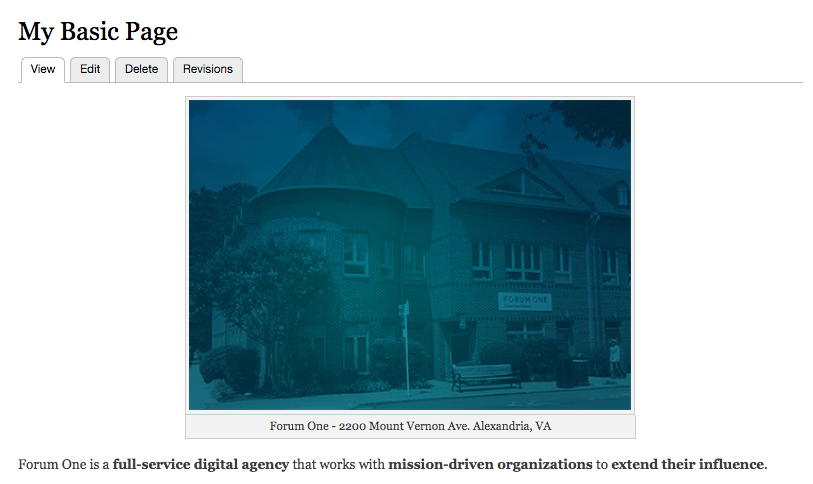
Adding images, aligning images, and adding image captions is a simple task using CKEditor. While we can use the WYSIWYG to add content and format it accordingly, we may find instances where we want to have a little more control over how content is displayed.