
One of the more common tasks when developing a Drupal site is creating a one-time login for the user 1 account. Generally, this is done when working with multiple developers and sharing a database. Instead of having to constantly ask what the password is, we can simply reset it for local use to whatever we need it to, be using the drush user-login command.
Sometimes, we may need to pass in an optional argument for the hostname or IP that we are using for Drush to execute the command. In this case, since I am using the built-in PHP server, I will pass in the IP being used.
Open a terminal window, and enter the following command:
drush user-login --uri='http://127.0.0.1:8088'

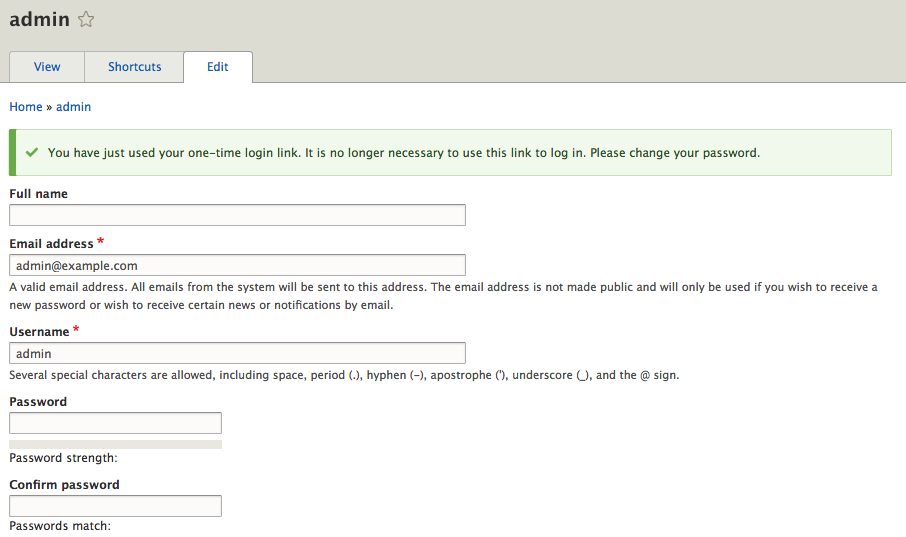
Drush will also attempt to open a new browser window or tab, log you in with the one-time login link, and take you to the admin user page. From here, we can change the password to something we can use for local development.
As we can see through this chapter, Drush is quite a powerful tool that allows us to perform various tasks without the need to use the browser.