
Roles can also be edited or deleted from the Roles page by clicking on the drop-down button located to the right of each role under OPERATIONS. We have the following three options for managing a role:
- Edit: Allows us to modify the name of the role
- Edit permissions: Takes us to the Permissions admin for the specified role
- Delete: Allows us to delete the role
If we click on the Edit button next to the Developer role, we will be taken to the Edit role page; we can modify the Role name, save our changes, and delete the role permanently:
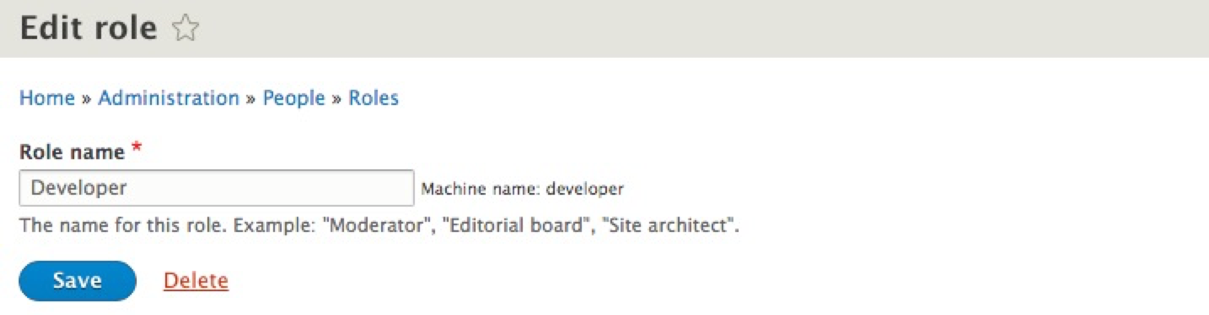
We will use the Developer role to help walk us through the remaining process, so we can return to the Roles page by simply clicking on the Save button.
Roles and permissions go hand in hand. Having a role by itself is meaningless unless we assign a set of privileges to the role that we can then assign to a user. So, it makes perfect sense for us to visit the Permissions tab next to continue the user management workflow.
We can navigate to the Permissions panel by directly entering /admin/people/permissions or using the Admin toolbar and clicking on Manage | People and then on the Permissions tab.