
The default option is to display them as an Unformatted list that is wrapped in a <div> element. Clicking on the link for Settings next to Format shows a dialog with options to set the classes on each div, as well as how to group results:
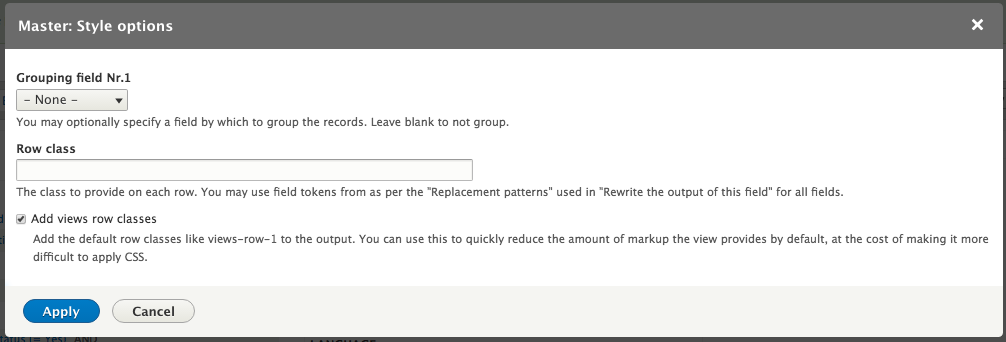
Unformatted row settings dialog
Grouping allows you to organize rows by one of the fields. Using the current View displaying fields, we can enable grouping on the Content revision: Authored by field and click Apply. Each unique entry in the selected field becomes a header element with the rows with that item listed below it:

Grouping by Content revision author