
The archive file generated from exporting all site configuration can be uploaded and then imported directly into the site. Selecting the Import tab takes you to a form with file upload control. Selecting a previously exported file and clicking the button labeled Upload will import all configuration items in the export. Like other import methods, any configuration on the site not present in the uploaded archive will be deleted.
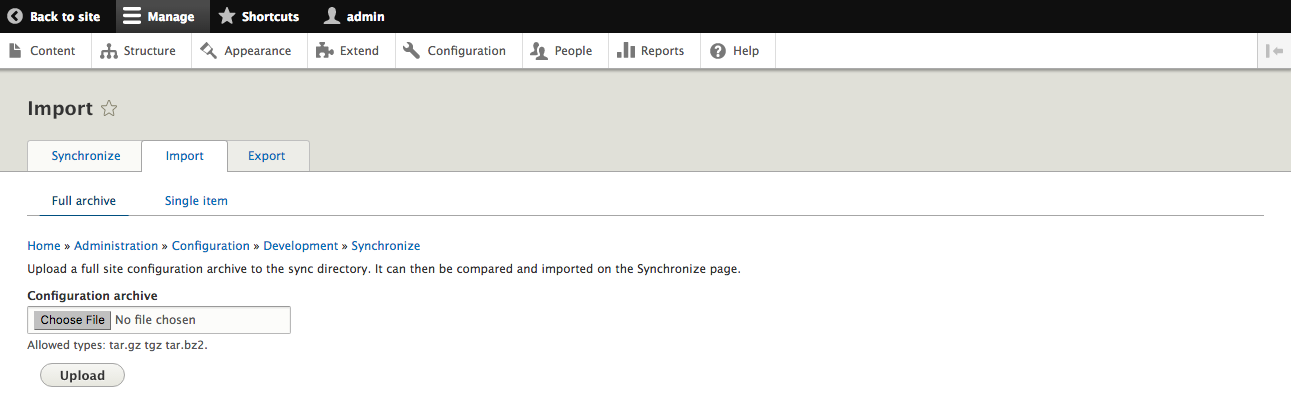
Import site configuration