
Selecting grid for the View format creates a table to place the results in. You are prompted to enter the number of columns for the table and then the results are placed into a number of rows and columns, with each result forming a cell. You can select whether the results are striped horizontally or vertically, as well as whether each cell should have a percentage width added. For example, the default settings with four columns will add a style="width: 25%" attribute to each cell. At present, there is no option to add blank cells to fill out the columns as there has been in previous versions of Views.
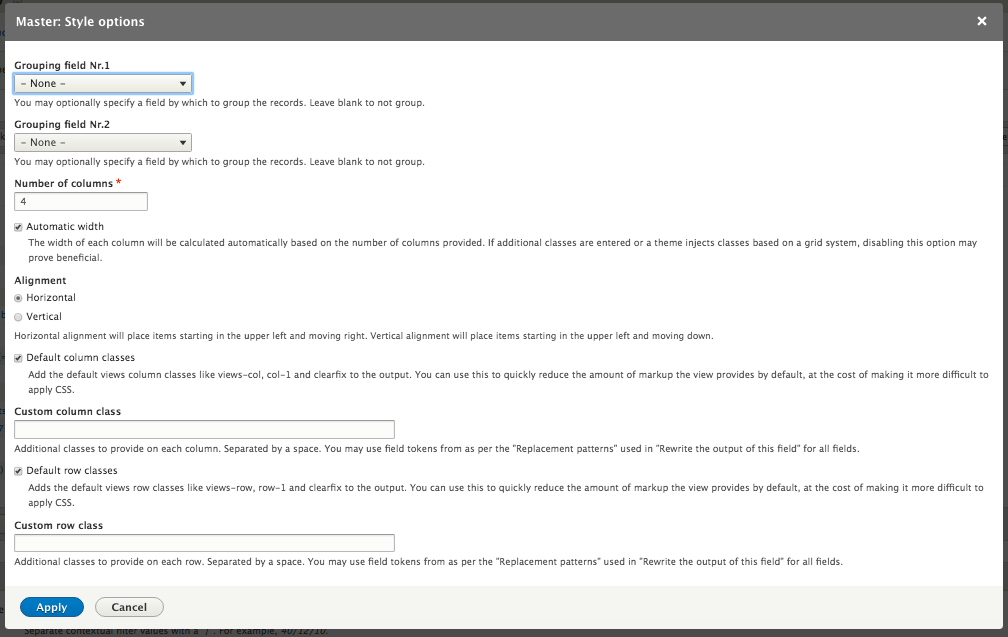
Grid settings dialog