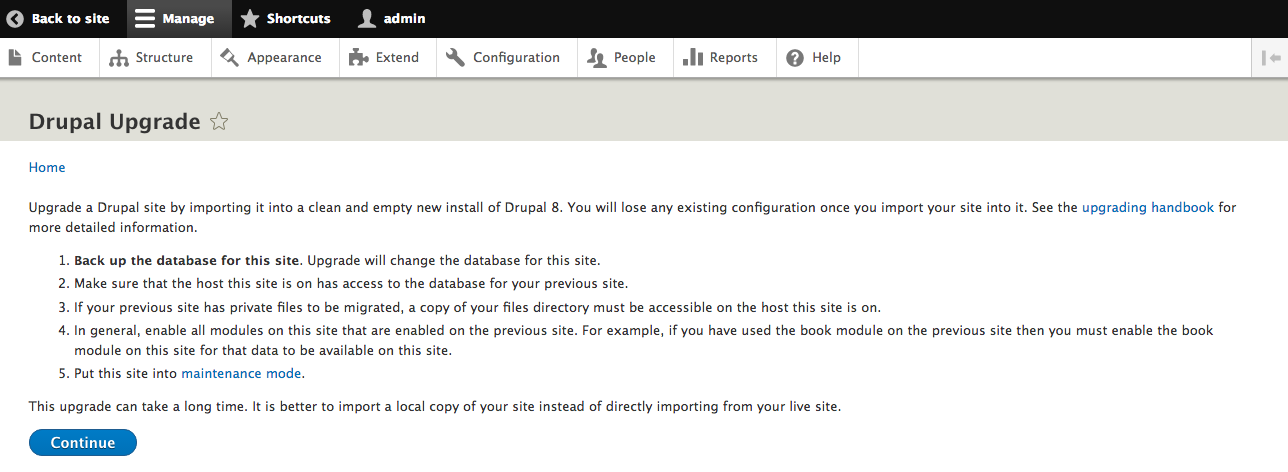
Once the Migrate modules are installed, you can navigate to Configuration and then Drupal Upgrade to begin the migration process:
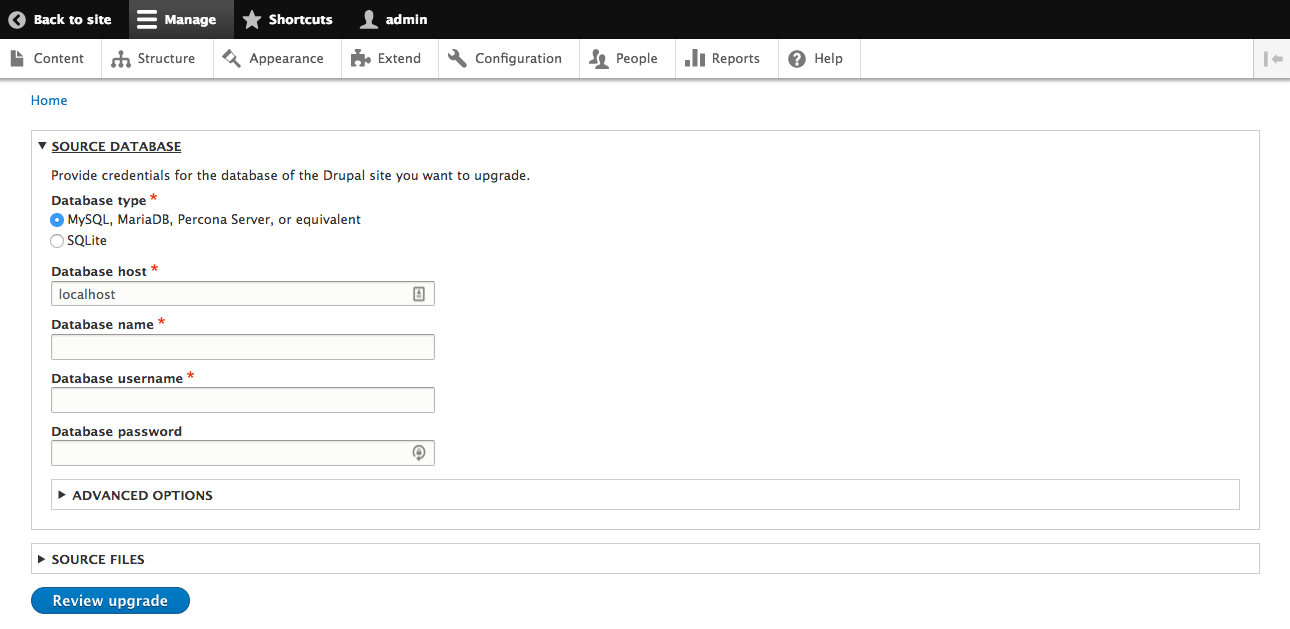
The first step is to select the source for the migration. Enter the credentials for a database that the current site has access to and optionally provide the path to files that are part of the source site. After this has been entered, click the button labeled Review upgrade:
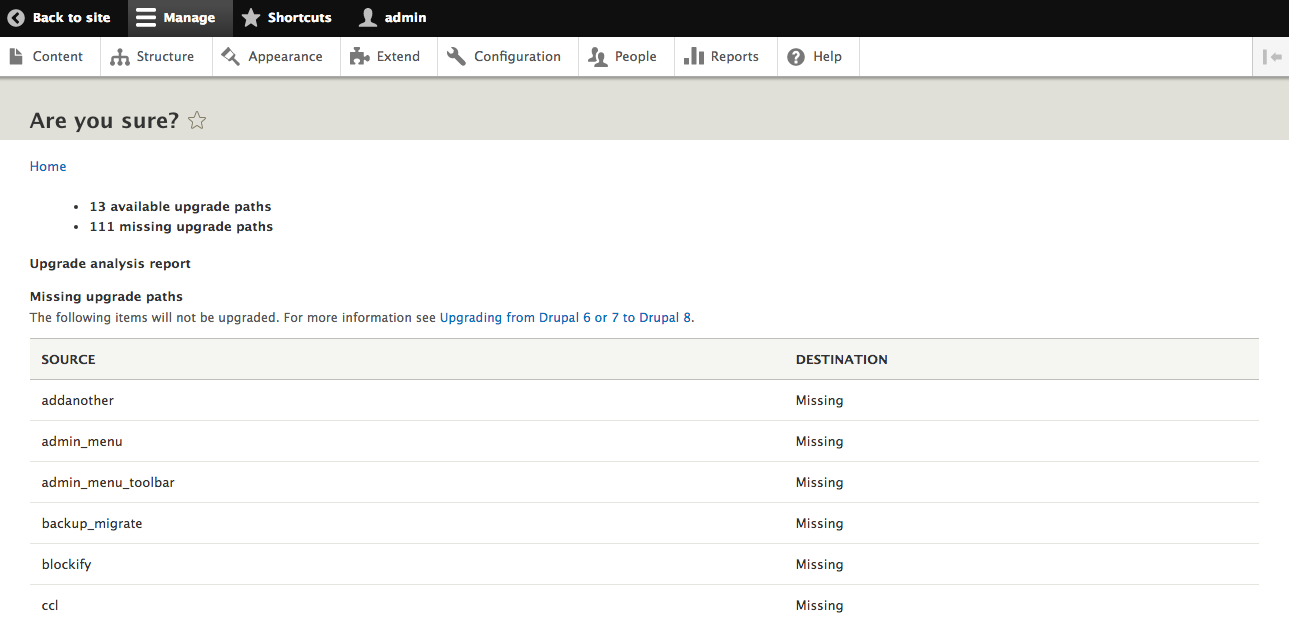
The Migrate module will scan the modules that were installed in the source site and look for \Drupal\migrate\ProcessPluginBase plugins that are valid for that module. First, the modules from the migration source that do not have a matching path will be listed:
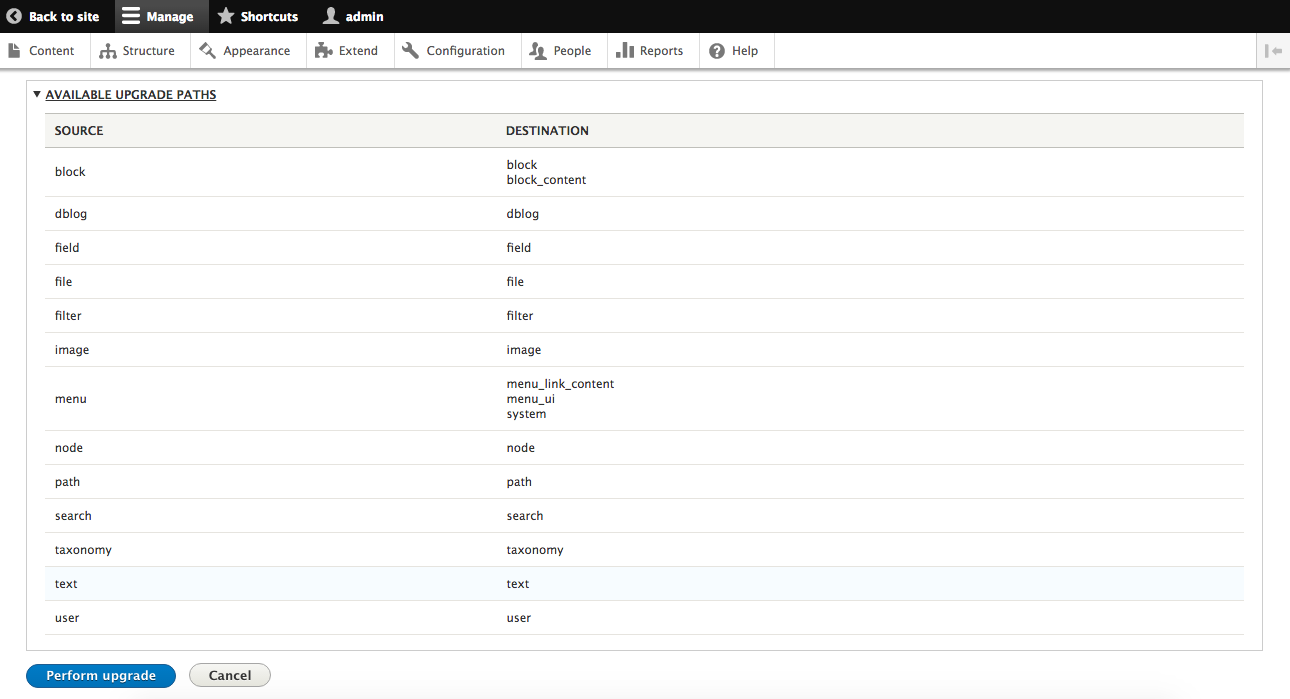
Next, each module that has an upgrade path is listed. Verify that the list matches your expectation and then click the button labeled Perform upgrade:
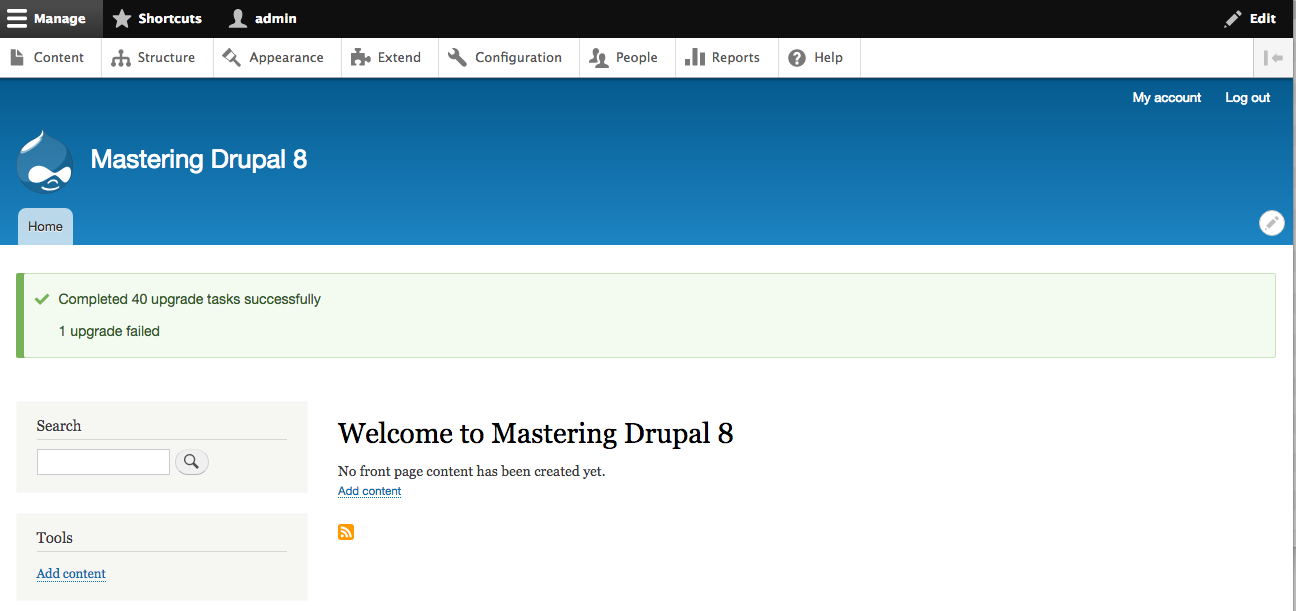
After the upgrade process completes, you will be directed back to the home page displaying the results:
The migration modules will bring over all the entities in the source database. This includes all nodes, vocabularies and terms, and users:
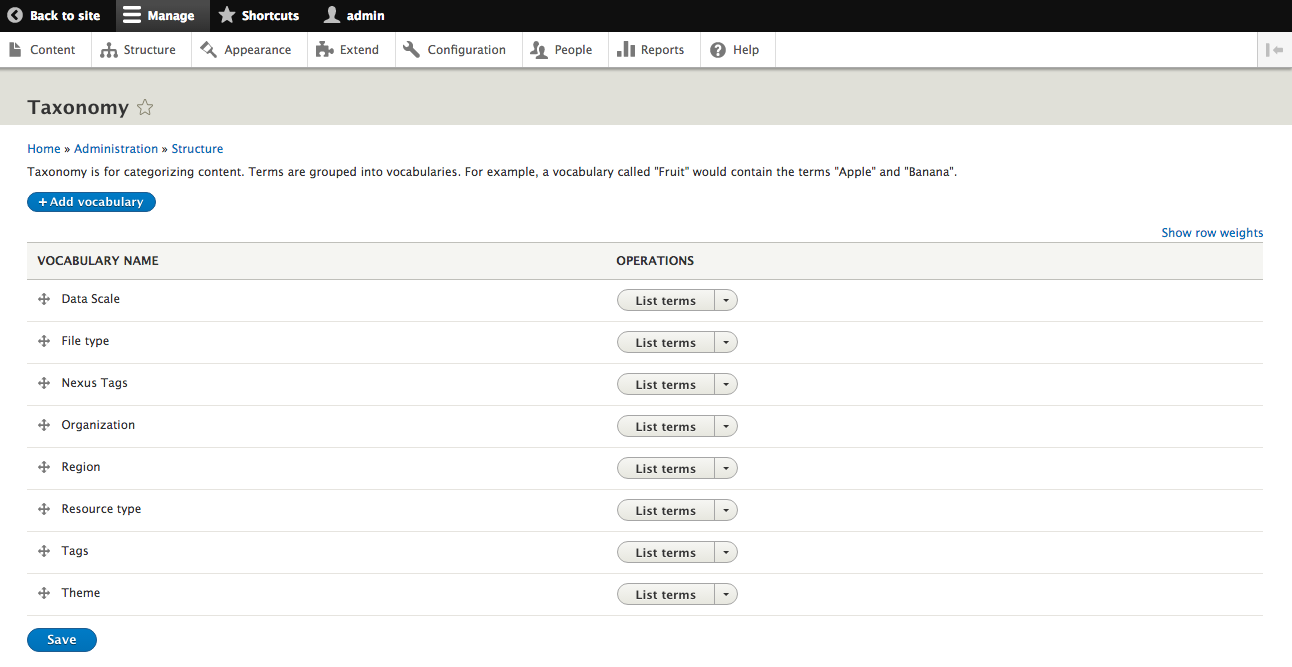
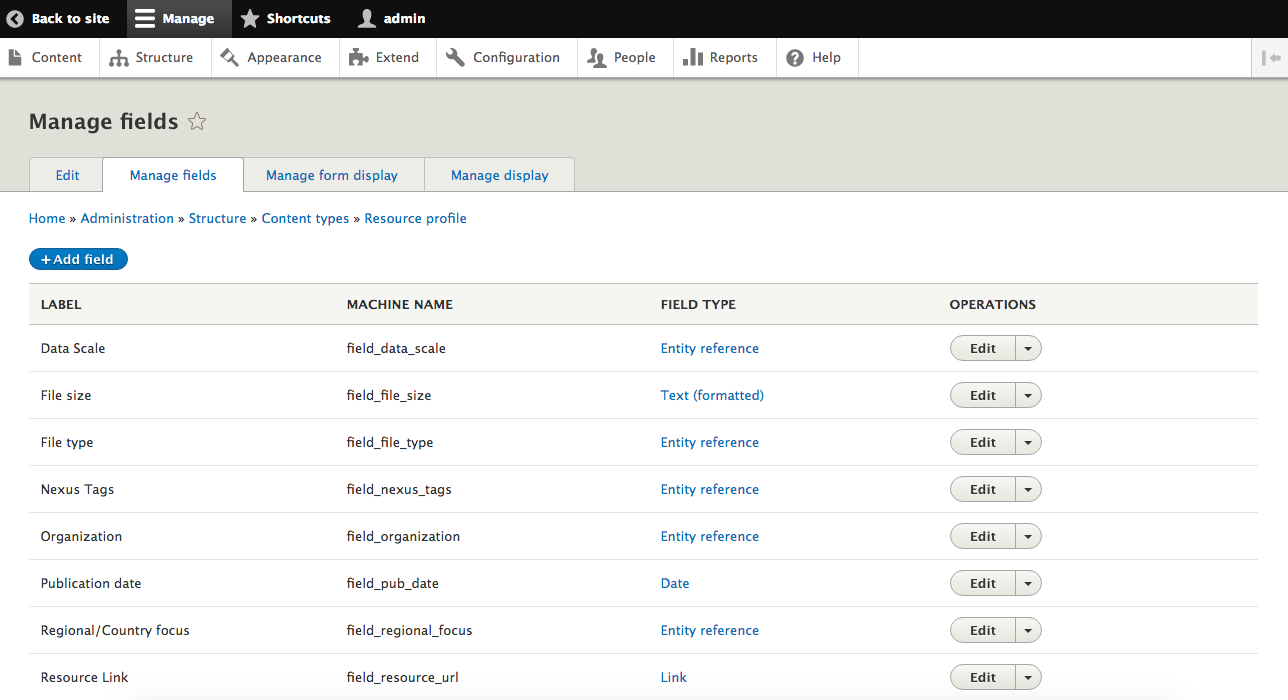
The migration modules will also bring over each entity type, bundle, and field that can be recognized: