
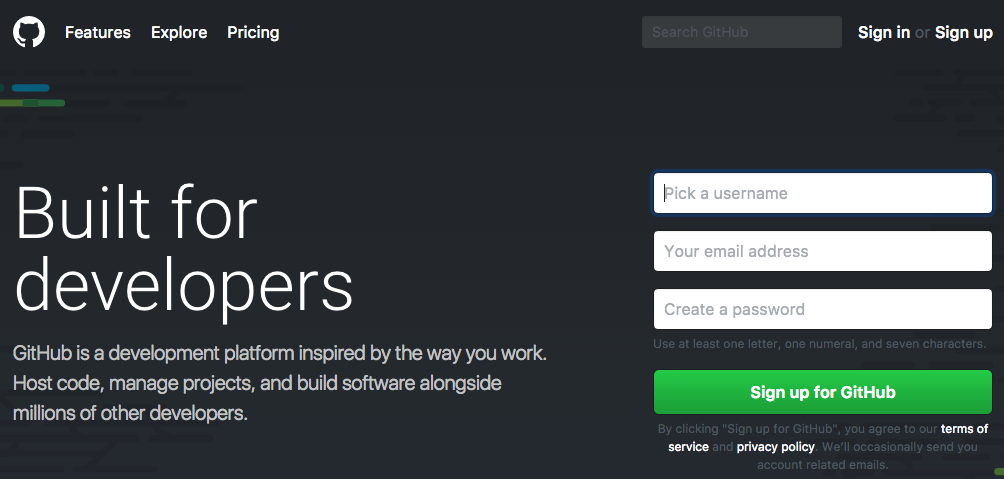
While we can create a local repository, it would make more sense to create a remote repository. When someone mentions Git, it is generally synonymous with GitHub (https://github.com/). To use GitHub, we will need to sign up for a free account or log in to an existing account:
Once logged into GitHub, we will create a new empty repository. For the sake of demonstration, we will call our repository Mastering-Drupal-8:
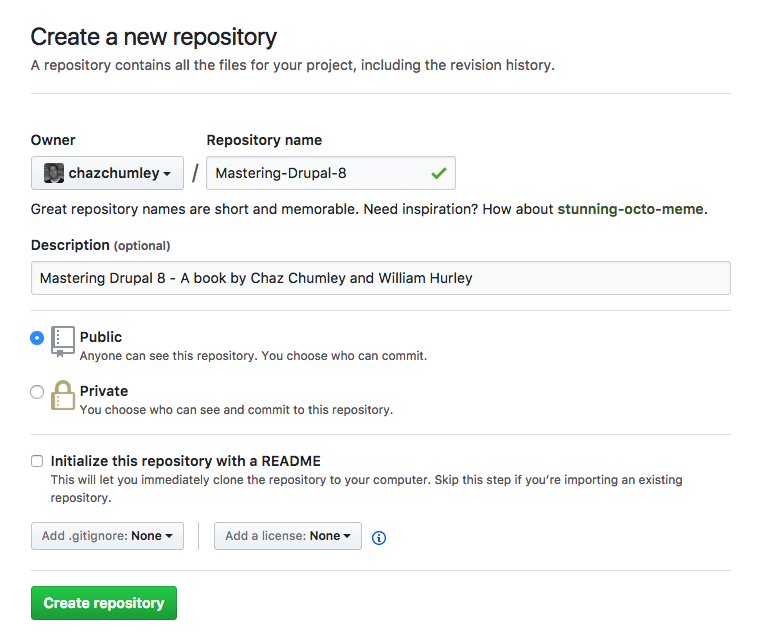
In the preceding example, the Owner field would be replaced with your account name and Repository name based on your preferences. At this point we can click on the Create repository button to finish the creation of our Remote repository. Next we will create a local repository and push our local file up to GitHub.