
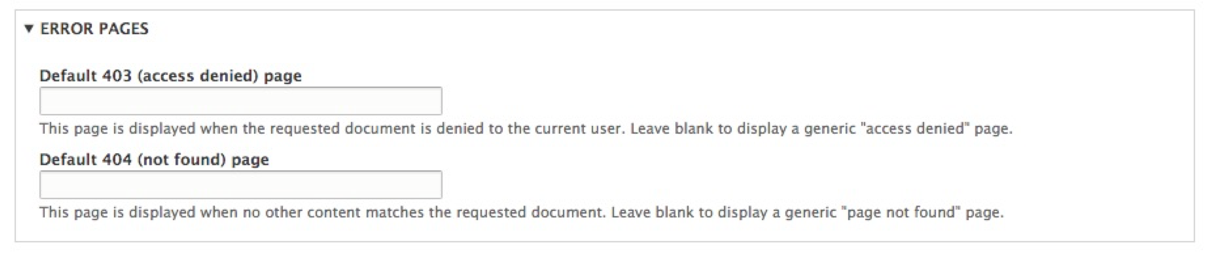
The final section located under Basic site settings is referred to as ERROR PAGES, and is used for managing both the 403 (access denied) and 404 (not found) pages:
This section is the most commonly missed and underutilized section of the Basic site settings. If analytics is important, then failing to create a basic 403 or 404 page means that new users coming to our website may not stay or come back. So, what does each page do?
Default 403 pages are displayed when either an anonymous user tries to access a portion of your site that they do not have access to or an authenticated user tries to access a section of the site that they have not been granted permission to.
Default 404 pages are displayed when a node or piece of content no longer exists when a user tries to view the URL for it. This can often happen when either some content has been deleted that Google has indexed or a user has bookmarked the path to content that has changed.
When either an access-denied or page-not-found error is triggered by Drupal, it is helpful if we specify a specific node or page that contains additional information for our user. This can easily be accomplished using these two fields.