
Roles should always be listed from least permissive to most permissive. This will ensure that the Administrator role inherits the functionality given to other roles without having to manually assign them. This is often overlooked, but by simply reordering roles, we can ensure that the task of assigning permissions to roles is simpler.
To reorder roles, all we need to do is drag the Developer role preceding the Administrator role using the drag icon handle located to the left of the Role name. Once we have completed the process, Drupal will notify us of unsaved changes. We can save our changes by clicking on the Save button.
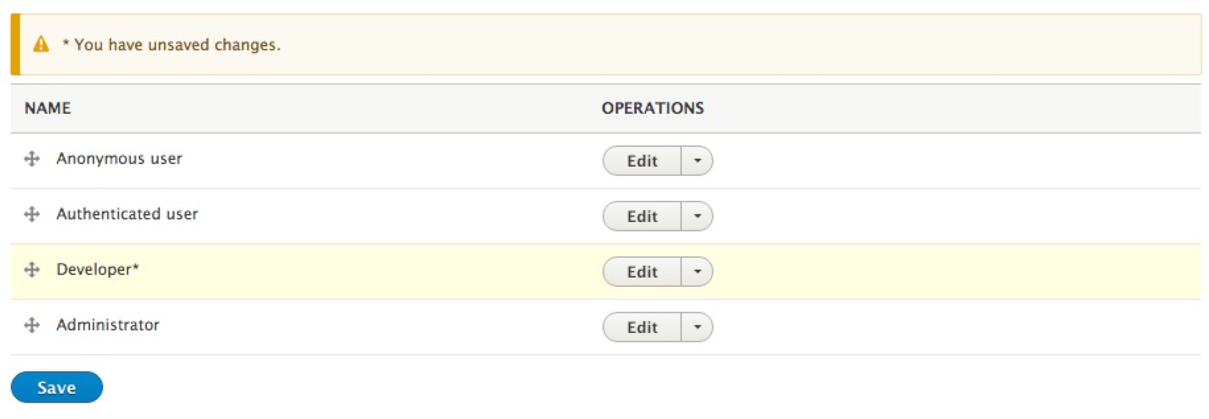
We now have our roles ordered from least permissive to most permissive.