
Another great way to speed up our development in Drupal is to use Drush to manage users.
If we open a terminal window and navigate to our Drupal project, we can enter the following command to retrieve a list of commands:
drush
If we scan down the list, we can locate all the User commands:
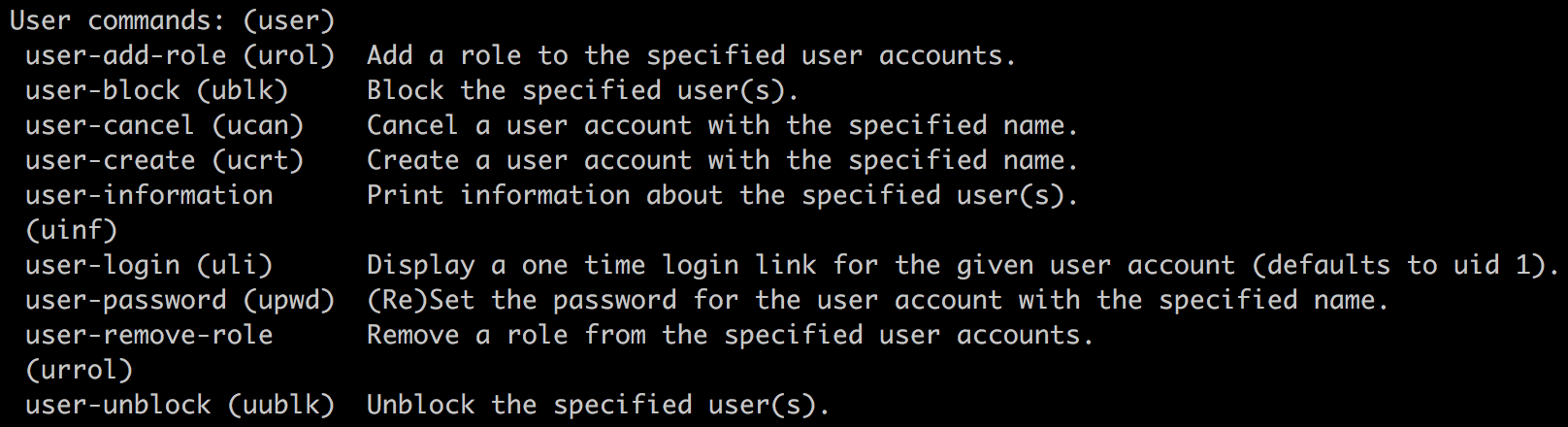
We will take a deeper look at utilizing Drush to quickly perform the following tasks:
- Displaying user information
- Adding and removing roles from a user
- Blocking and unblocking a user
- Creating and deleting user accounts
- Creating a one-time login