
Independently managing a user by clicking on the Edit button next to each user can often become cumbersome when dealing with multiple users. However, we can easily bulk manage users from the People listing page. We can add and remove roles, block users, and even cancel our user accounts:
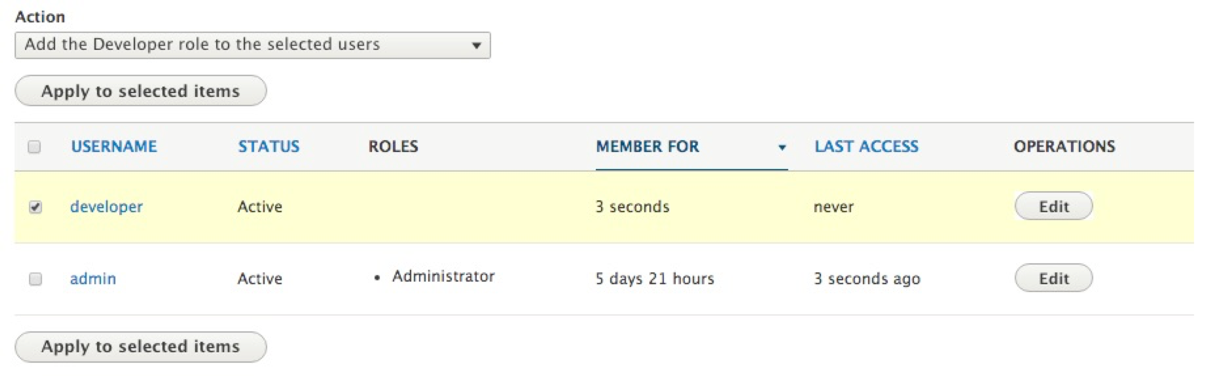
For example, let's assign the developer role to our new developer user using the bulk operations by following these steps:
- Click on the checkbox next to developer.
- Choose Add the Developer role to the selected users from the Action dropdown.
- Click on the Apply to selected items button to complete the operation.
If we now look at the ROLES for our developer user, we can see that it has the Developer role assigned to it.