
To modify the date format of our Published field, we have multiple options:
- A custom format that allows for us to specify a PHP date string
- A plain format that displays the year, month, and day
- A time ago format that will display the time in hours and minutes from the current date time
- A default format that will give us the default medium date that we configured on the Regional Date and Time formats page
For demonstration, we will choose to leave the default format but adjust the configuration of the formatter by selecting the gear icon to the right of the field, which will expose more options.
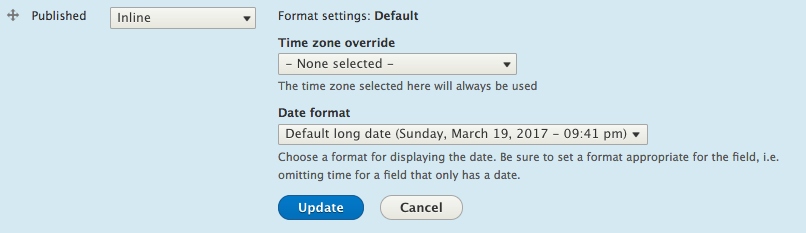
Select the default long date from the Date format dropdown and then select the Update button to save the change. Feel free to review the changes on the Post page.
By now we are getting better at managing the display of fields and we are starting to see just how powerful structured content is for site builders.