
Setting configuration variables using Drupal Console is also possible using drupal config:edit, followed by specifying the configuration name. However, unlike Drush, Drupal Console opens the specified configuration YAML file within the Terminal window for editing. This allows us to modify multiple values instead of single values. It also gives us a glimpse into what the configuration looks like in detail.
For example, we can edit the site settings by opening a Terminal window and entering the following command:
drupal config:edit system.site
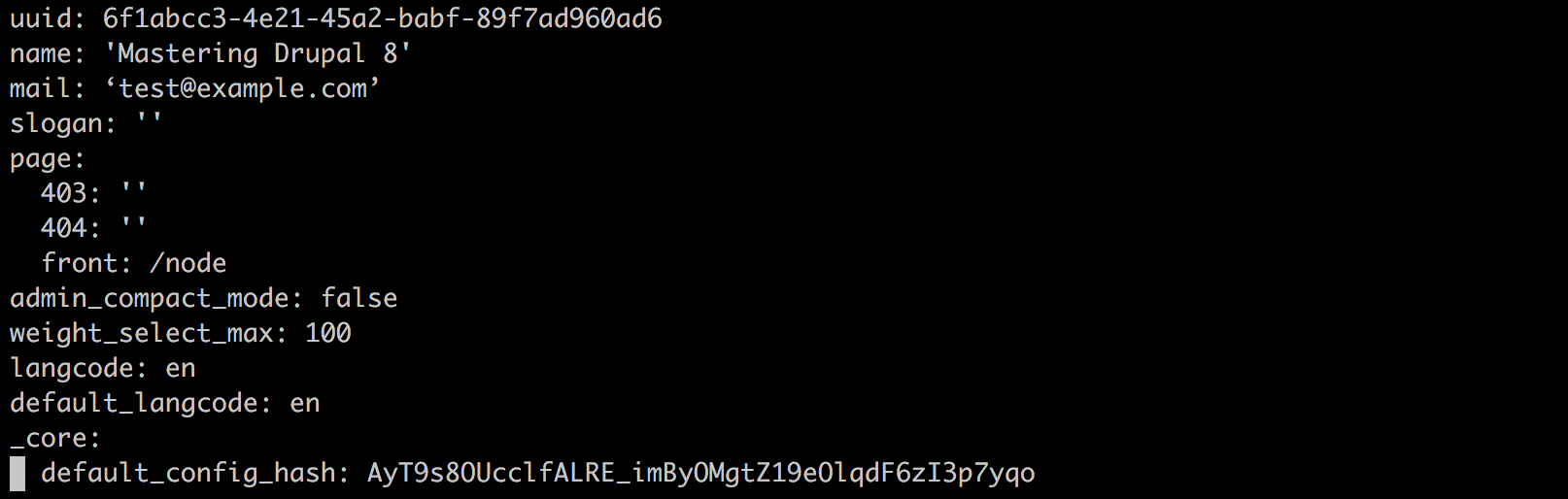
Depending on the default editor that your Terminal window has configured, you will interact with the system.site.yml file. In our case, the editor is already using the insert mode, which will allow us to modify the values in the file and then save any changes. We will take a close look at the additional configuration commands that we can use with Drupal Console in Chapter 14, Configuration Management.
For now, we can exit the command-line editor window by executing the following in the Terminal window:
esc :q