
The Manage form display page allows us to reorder how fields will be displayed. Like how we reordered roles, we can easily drag and rearrange fields. Let's locate our new field and drag it to the top so that the Full name field will be displayed before the User name and password.
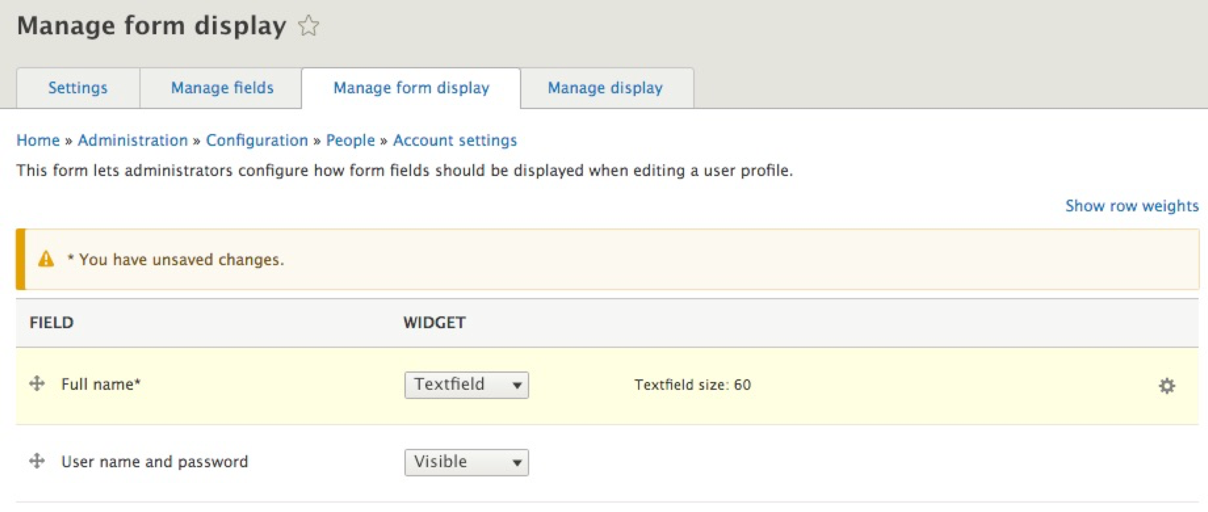
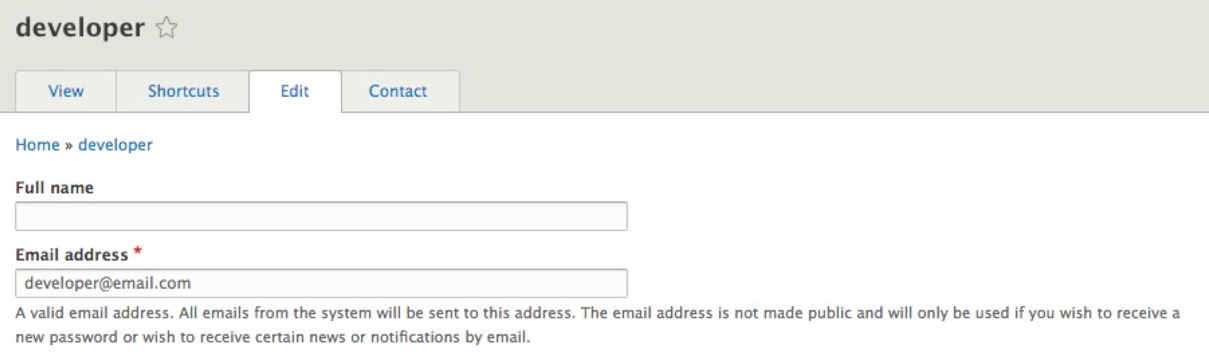
Drupal will notify us whenever we have unsaved changes. Make sure that you click on the Save button to complete the process. To see our new field displayed, we can navigate back to the People panel located at /admin/people or use the Admin toolbar and click on Manage | People. Next, we can click on the Edit button next to the developer user account and preview our new field:
So far, we have been working solely in the Admin interface of Drupal. However, there are a handful of tasks that can be accomplished directly from the command line using Drush.