
All of the configuration elements can be accessed for translation by selecting Configuration and then Configuration translation from the menu bar, or by navigating to admin/config/regional/config-translation.
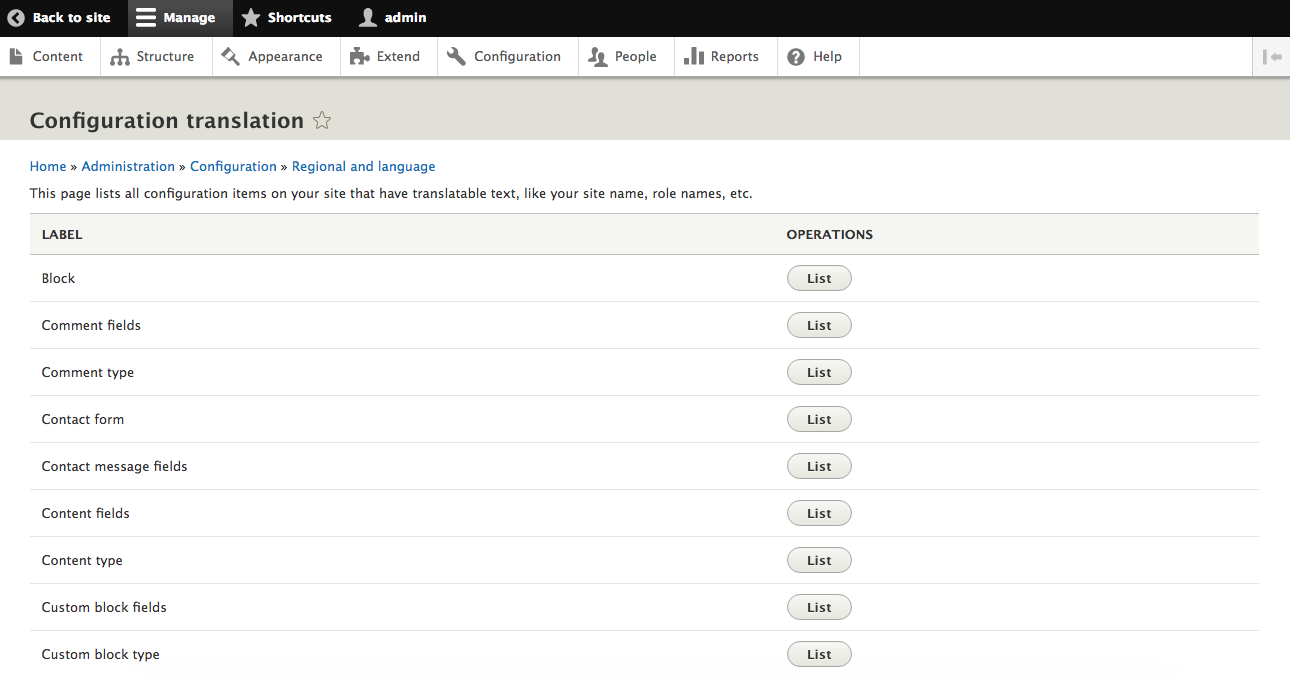
Configuration translation list
Each configuration object or type is displayed in a list with a button to either Translate the object or list the objects of that type. For instance, clicking on List next to Block shows a list of all Blocks with the ability to translate the values for each one.
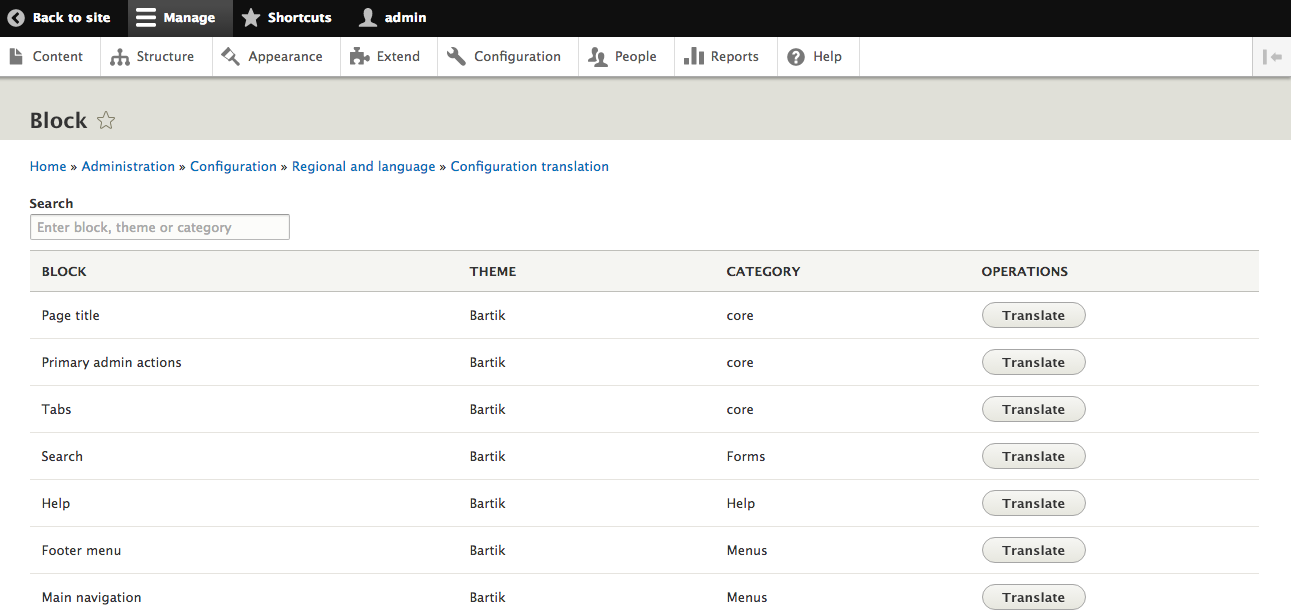
List of Blocks to translate
After clicking the Translate button next to the Block, you are able to Add, Edit, or Delete translations for any text elements exposed by the Block.
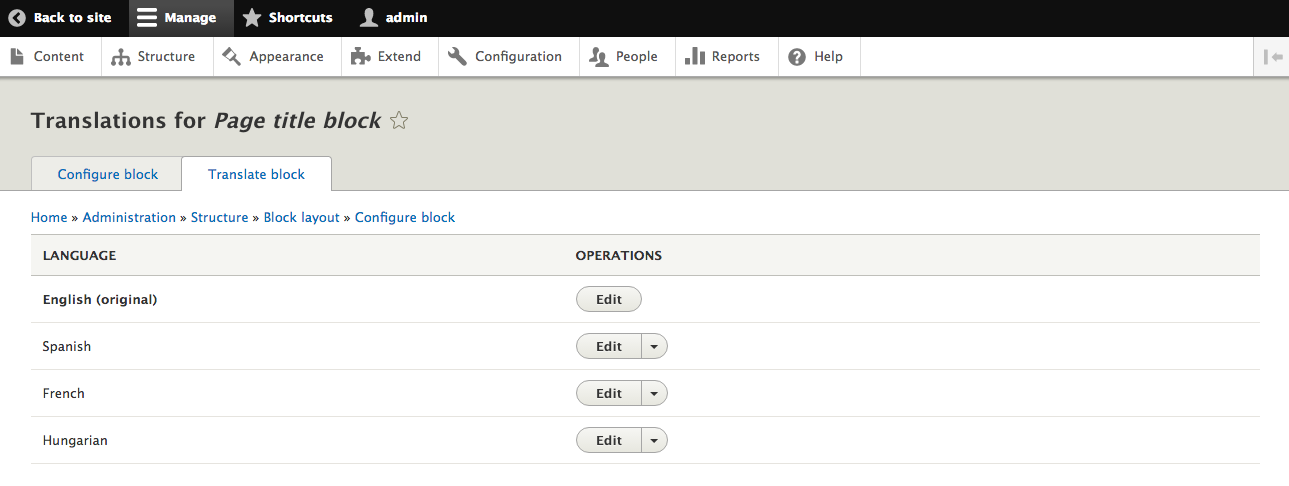
Language selection for Block