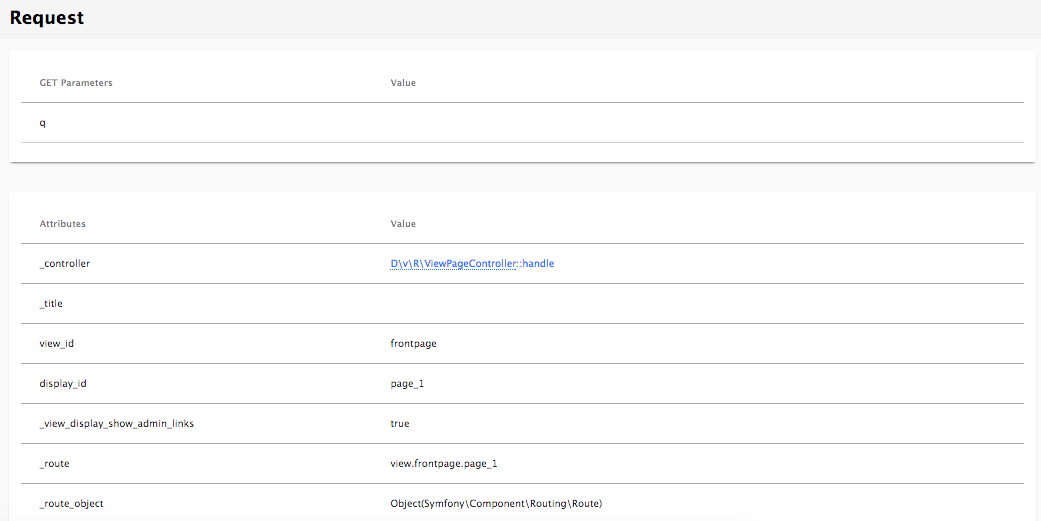
From the URL detail page, the second tab shows information about the request. This tab shows all information about the request including request and response headers, cookies, server parameters, query parameters, as well as routing parameters. That last one reveals some very important information about how Symfony handles the request. It shows the machine name of the route, and route parameters, as well as a link to the controller file. By default, the link is set to open in Textmate. This can be altered by navigating to Configuration | Devel settings | Webprofiler and opening up the IDE Settings fieldset. Files can be changed to open in PHPStorm 8 or higher by setting the IDE link to phpstorm://open?file=@file&line=@line.