
The Manage menu of the Admin toolbar includes about 90% of the tasks that we may wish to perform at any given time. Each section allows us to manage different aspects of site building. Lets have look at those sections:
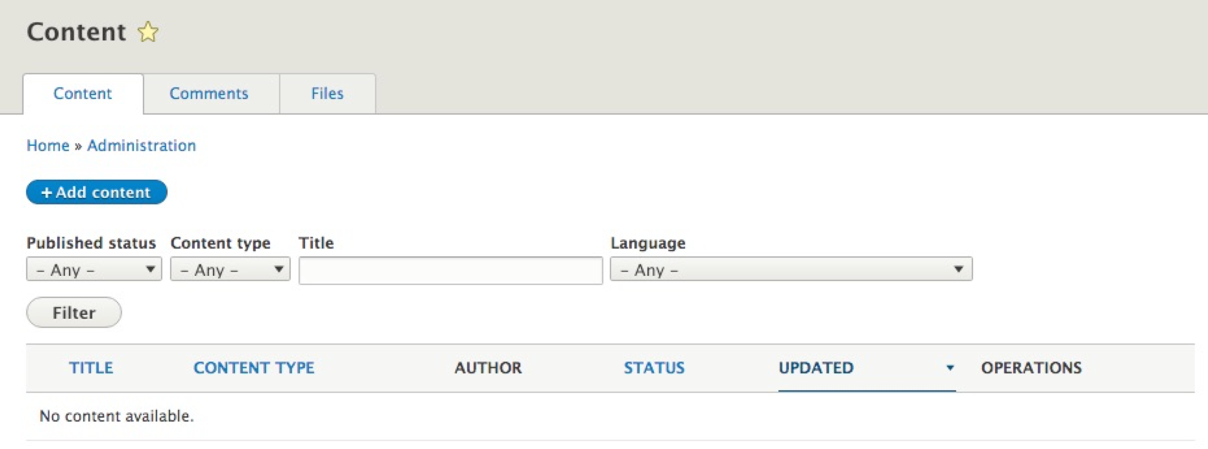
- Content: The Content section is divided into three subsections that display user generated Content, Comments, and Files. Any time new content is added, we can view a summary of the content that can be filtered by Published status, Content type, Title, and Language. With the introduction of Drupal 8, the Content display can be customized to add additional fields and filters as needed by simply modifying the administrative view. We will take a closer look at the Comments and Files in Chapter 04, Content Types, Taxonomy, and Comments:
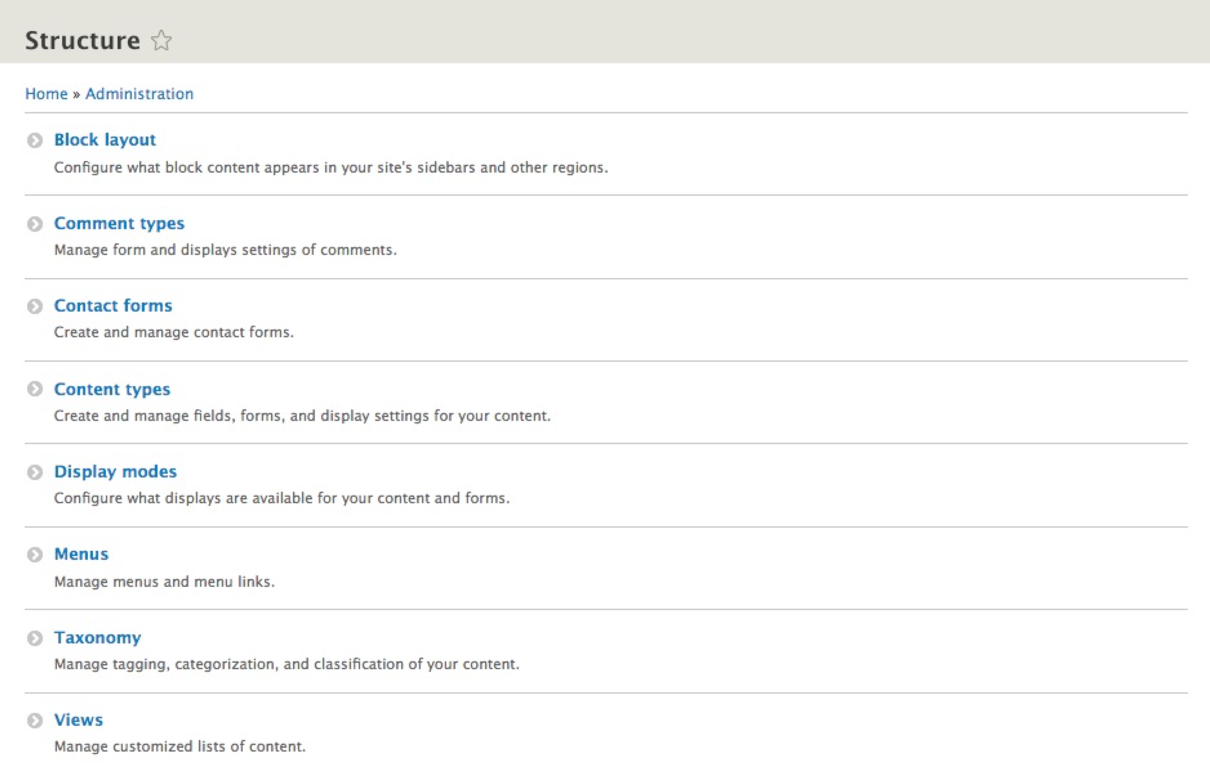
- Structure: The Structure section is divided into Block layout, Comment types, Contact forms, Content types, Display modes, Menus, Taxonomy, and Views. We will explore each of these areas in more detail as we continue to master Drupal 8:
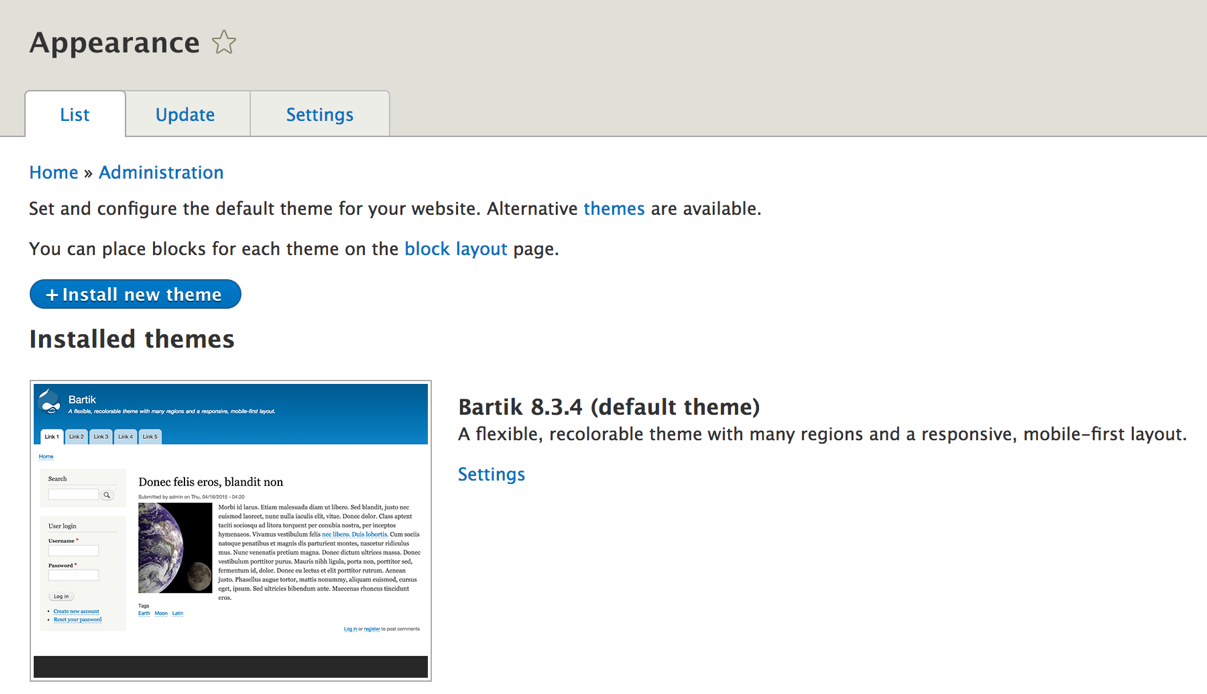
- Appearance: The Appearance section provides the interface for enabling, disabling, and configuring default themes as well as administrative themes. Any custom themes that we create will also be displayed in this area and provide additional settings that we can configure:
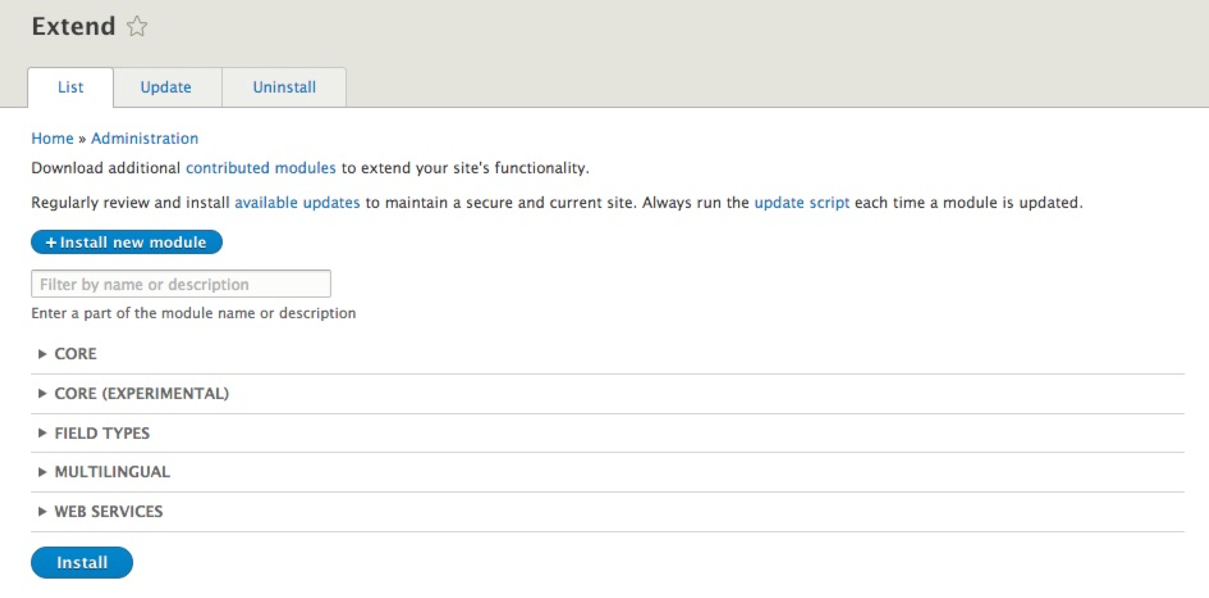
- Extend: Formerly known as Modules, the Extend section provides the listing of available modules and the ability to update and uninstall core, custom, and contributed modules. There's a new ability to search for modules using a filter. Various contributed modules have been moved into CORE, including Views and CKEditor:
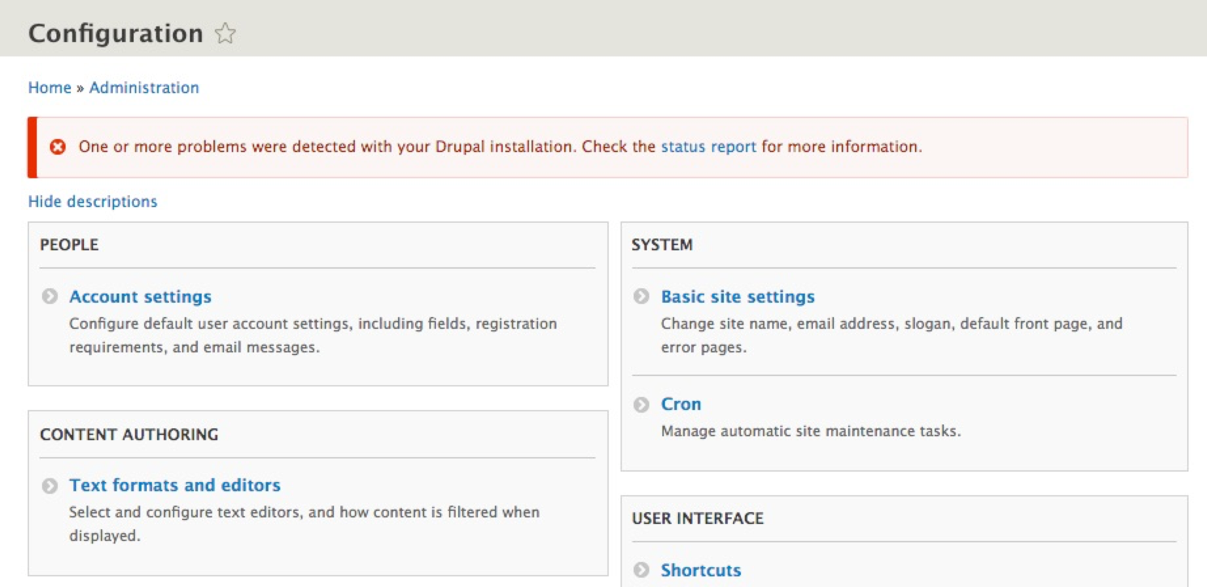
- Configuration: The Configuration section contains the configuration for both core and contributed modules. Each area is grouped into functional areas that allow the management of various settings. This chapter will focus on some important tasks and the various ways to configure Drupal. We will be covering the Basic site settings, File system, and more a little later in the chapter:
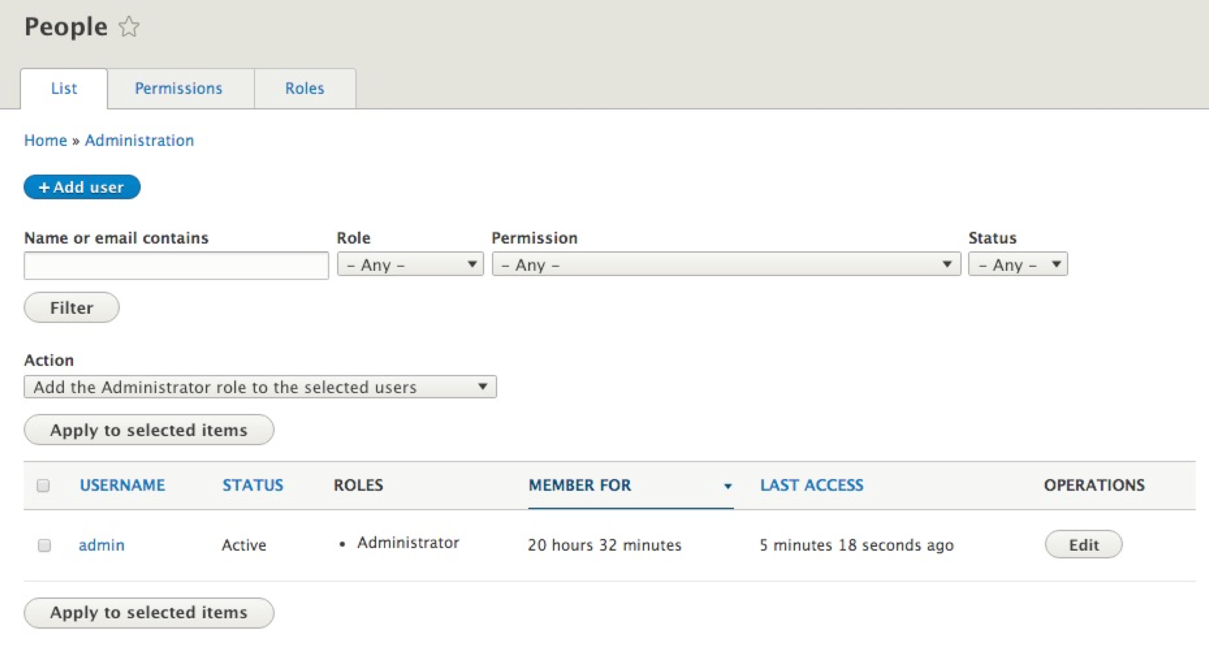
- People: The People section allows us to manage users, permissions, and roles. The display for users is now an Administrative View that can be customized to add additional fields and filters as needed. We will cover this section in depth in Chapter 03, Managing Users, Roles, and Permissions:
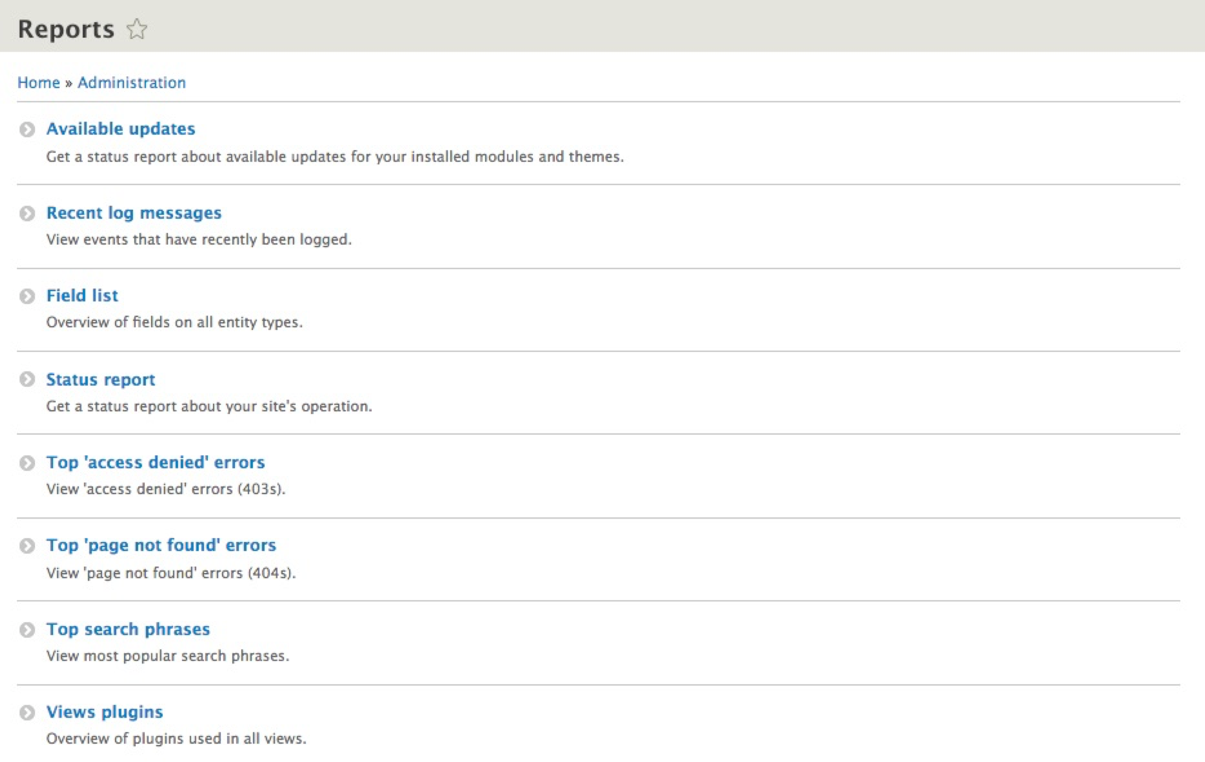
- Reports: The Reports section provides Available updates, Recent log messages, Field list, Status report, Top 'access denied' errors, Top 'page not found' errors, Top search phrases, and Views plugins:
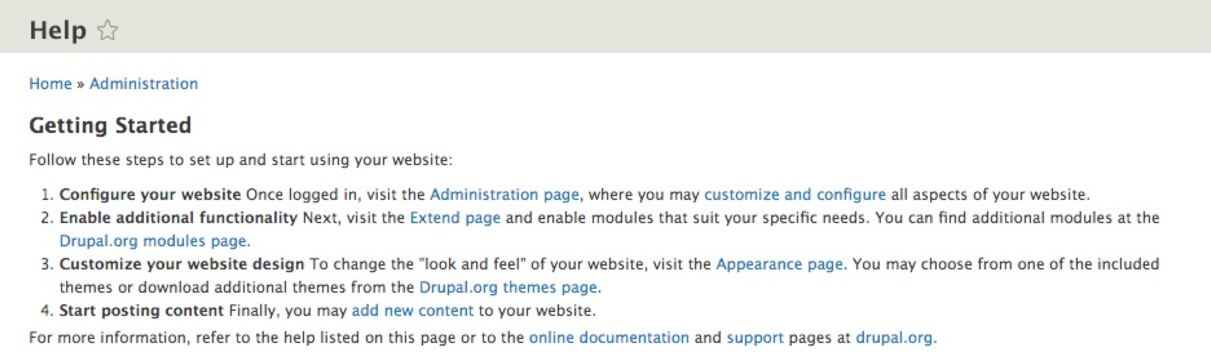
- Help: The Help section provides helpful information on the functionalities necessary to know when administering a Drupal 8 website. This includes a Getting Started section and Help topics on items such as Block, Views, user, and more:
Now that we know how to navigate the various management sections of Drupal, we can focus on some of the tasks that we will need to master when first configuring a website.