
Navigate to /admin/structure/block and perform the following tasks:
- Select the Place block button next to the Content region.
- Select the Place block button next to My Jumbotron.
- Deselect the Display title checkbox on the Configure block screen.
- Select the Save block button.
- Select the Back to site link in the Admin menu.
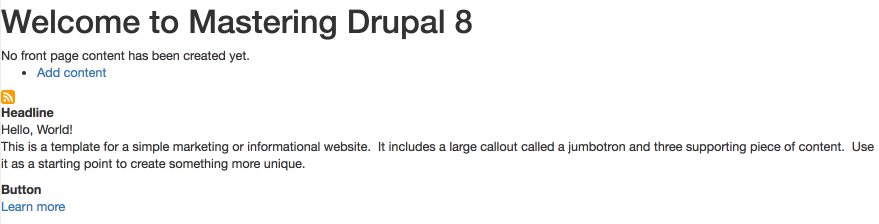
Our home page should now look like the following:
With our content in place, it's time to start working with Twig templates.