
Some common uses of Drush are to download modules, themes, and even Drupal itself. The command to execute this task is drush dl. Since we previously installed Drush globally, we can change to a brand-new directory using the Terminal window, and download another copy of Drupal by executing the following command:
drush dl drupal

As we can see from the preceding screenshot, executing the command downloads the current version of Drupal. We can verify this by listing the contents of the current directory:

Now that we have a second copy of Drupal, we can use Drush to perform a quick install.
Within a Terminal window, change into the drupal-8.x directory that Drush downloaded and execute the following command:
drush qd --use-existing --uri=http://localhost:8383 --profile=standard
This command tells Drush to perform a quick Drupal installation using the existing source files. Drupal will use the standard profile and, once the installation has completed, a PHP server will be started on localhost port 8383.
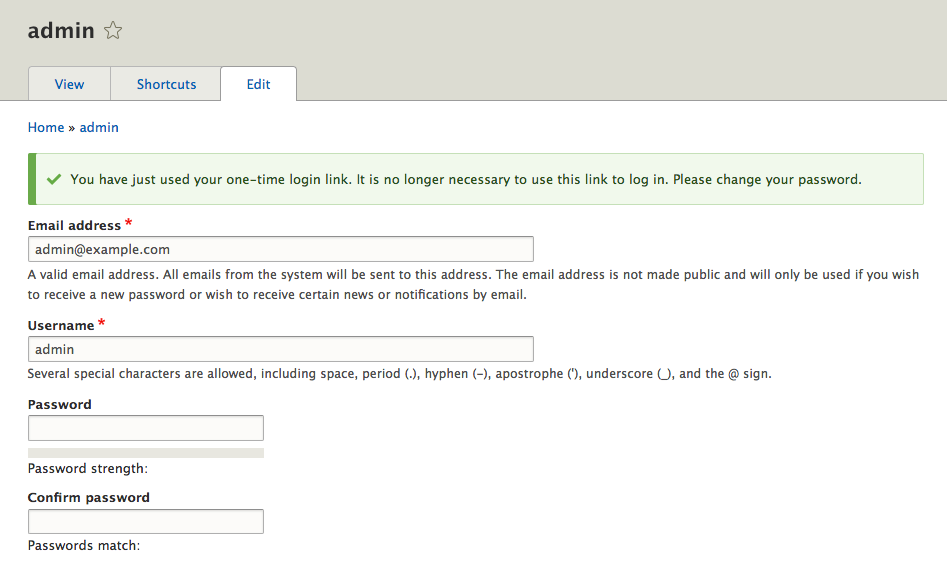
Ensure that you specify that you want to continue with the installation when prompted. Once the Drupal installation has finished, a browser window will open on the admin user page with the one-time login where we can then create a new password:
We will not be using this instance of Drupal, so we can terminate the PHP server that is currently running in the Terminal window by entering Ctrl + C on the keyboard.
Hopefully, we can begin to see how using Drush can speed up common tasks. Throughout each lesson, we will explore Drush in more detail and utilize additional commands. Now that we have a better understanding of Drush, it's time to take a look at another command-line tool that we can benefit from using when developing a Drupal website.