
To view regions defined by the active theme, we can click on the Demonstrate block regions link located at the top of the Block layout page. Clicking on this link will take us to the homepage with the regions highlighted.
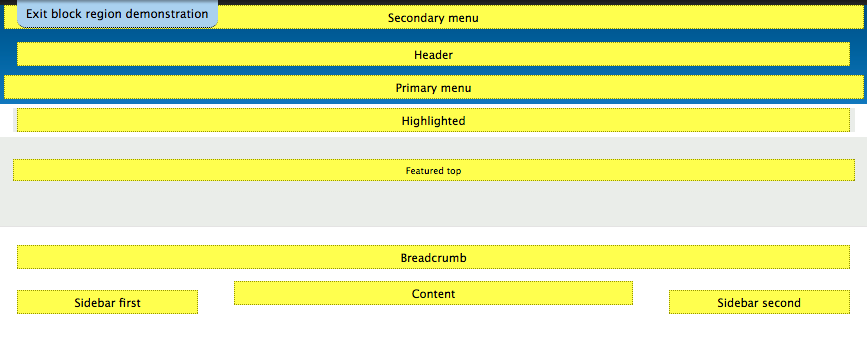
Each Region is simply a container defined by a theme's layout and can contain one or multiple blocks. As we work with blocks and place them into a respective region, we should expect to see the content of the block displayed within the region demonstrated.
To return to the Block layout page, simply click on the Exit block region demonstration link located at the top of the page.