
Another advantage of using Drupal Console within our project is that we can utilize the built-in PHP web server to display our new Drupal 8 site. If we take a look at the available commands listed by Drupal Console, we will notice a command called server.
Open a Terminal window, and enter the following command:
drupal server
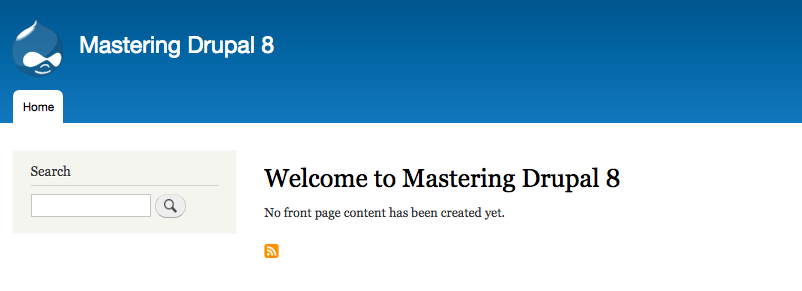
Drupal Console can utilize the current version of PHP installed on our system. It identifies the document root of our Drupal installation and allows us to preview our site within the browser by navigating to http://127.0.0.1:8088:

If we open a browser and enter the url of http://127.0.0.1:8088, we will be taken to our new Drupal 8 instance.
The advantages of using Drupal Console to execute a wide range of commands, including installing Drupal, is that it is a huge time saver. As we dig deeper into Mastering Drupal 8, we will discover additional commands that will allow us to manage users, roles, and content.
So far, we have looked at Composer, Drush, and Drupal Console. However, all this is of no benefit to us if we have no way to ensure that our work is protected and can be shared with other developers. In fact, managing source code is the most important tool any development workflow should embrace.