Begin by navigating back to our View and then selecting the Add button and choosing Block* from the list.
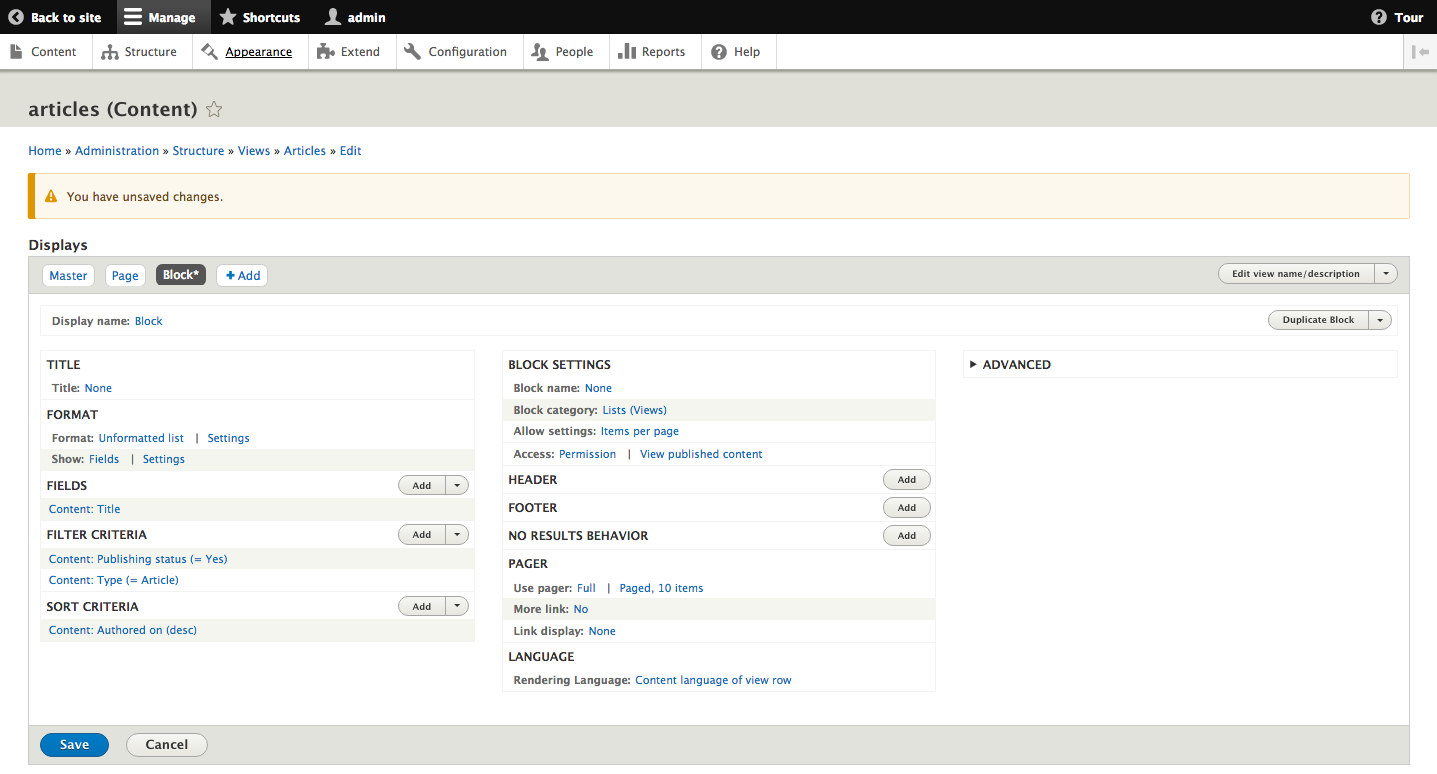
Just like the earlier Page Display, we will see configurations specific to the block under Block settings. These include the Block name, Block category, and Allow settings. If we do not provide a different name for our block, it will use the name of the View within the Block configuration settings. We can also allow users who place block displays on a given page to specify the number of items per page to display. Once you have completed this step, click the Save button to persist all of your settings.
To place the View block on a page, we can navigate to /admin/structure/block or use the Admin toolbar and select Structure - Block layout. Clicking the Place block button next to the Content region will open a dialog where we can locate our Block Display.
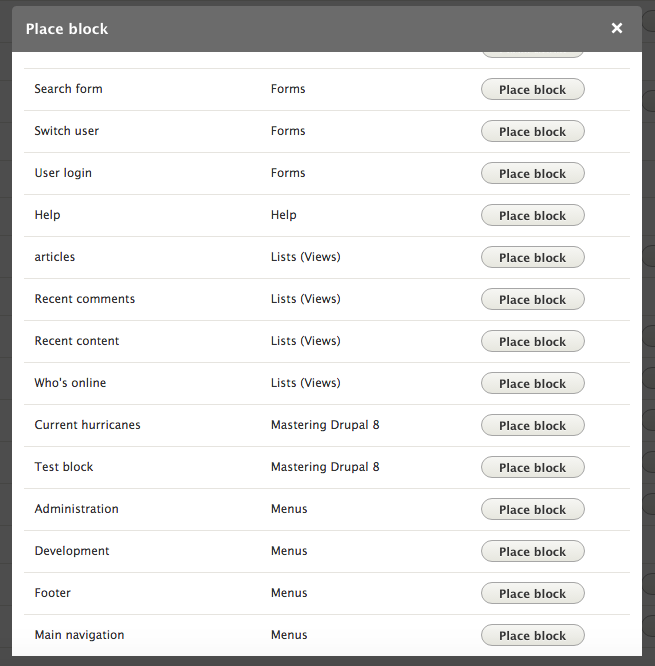
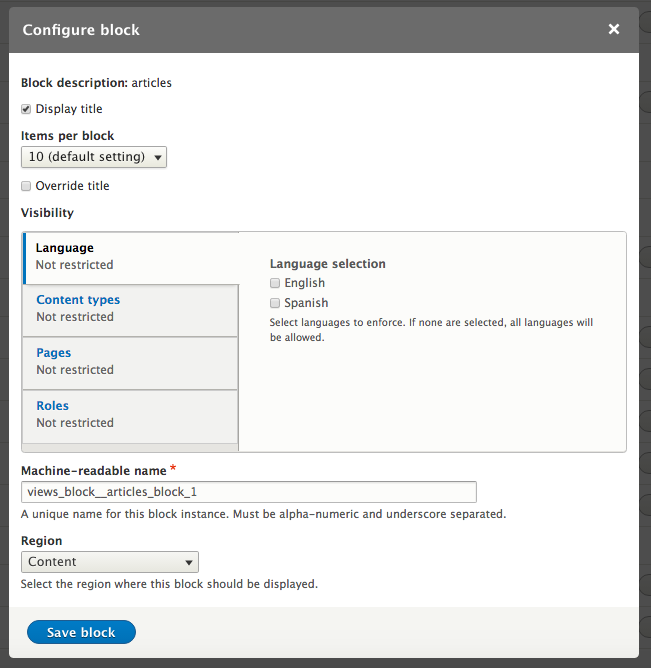
Click the Place block button next to articles. On the Configure block screen, we can see where we can select the number of Items per block.