
Once you have exported a configuration item from one environment, or you have settings from another source, you can import that directly into the site by clicking on the tab labeled Import and then the secondary tab labeled Single item. You would select the configuration object and enter the item name, and then paste the configuration directly into the text area.
Clicking the button labeled Import will insert it into the database.
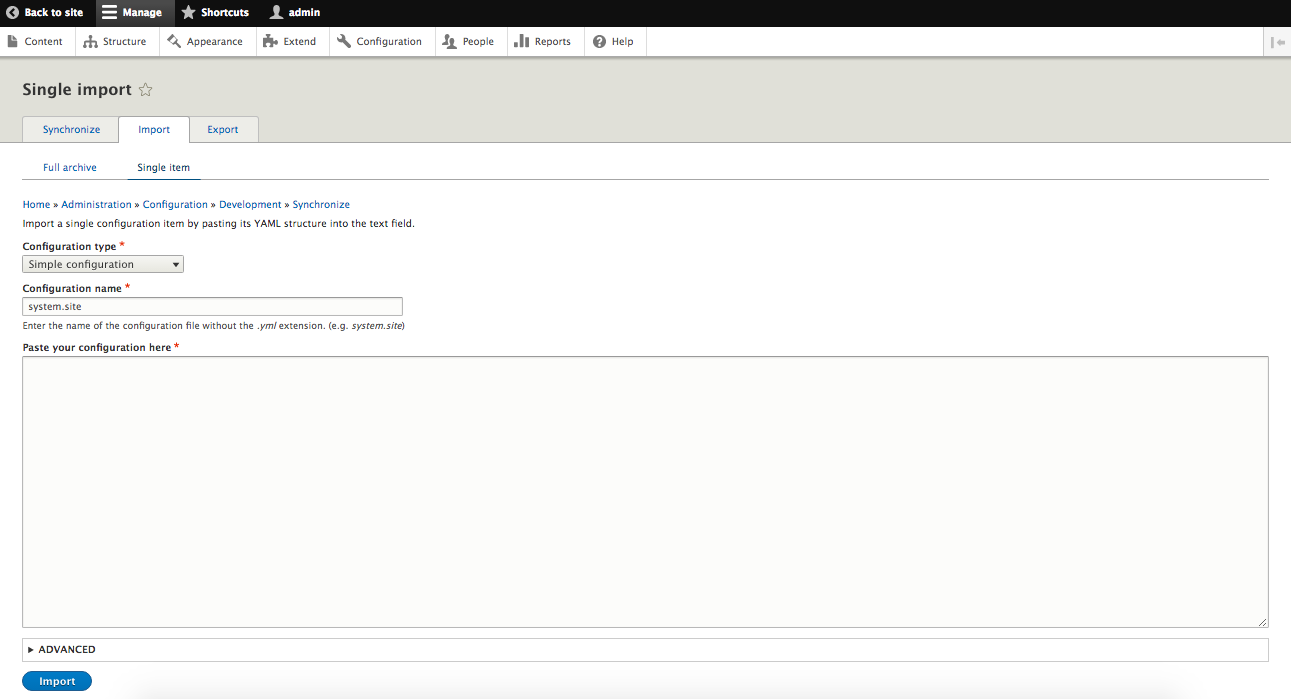
Import single configuration item