
With revisions being tracked, we can easily revert our content back to its previous state by clicking on the Revert button next to the revision that we want to be active. Drupal will ask us to confirm our choice before reverting the page, and we will need to click on the Revert button once more:
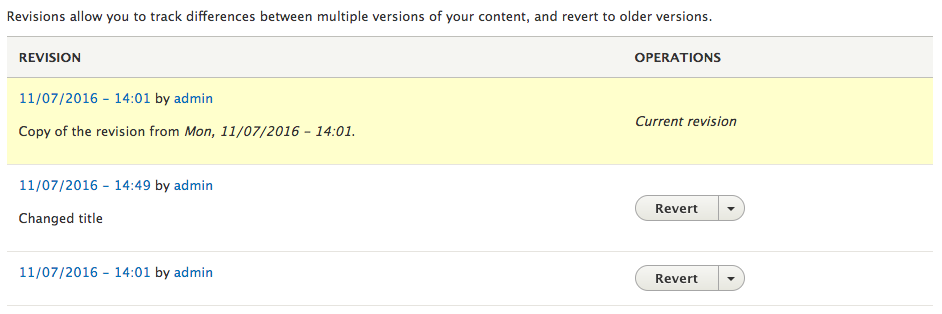
We can select the View tab and confirm that our About page displays the reverted version.