
If we open a Terminal window, we can use Drupal console to generate dummy comments for us simply by entering the following command and then following the prompts:
drupal create:comments
The preceding code is illustrated in the following screenshot:
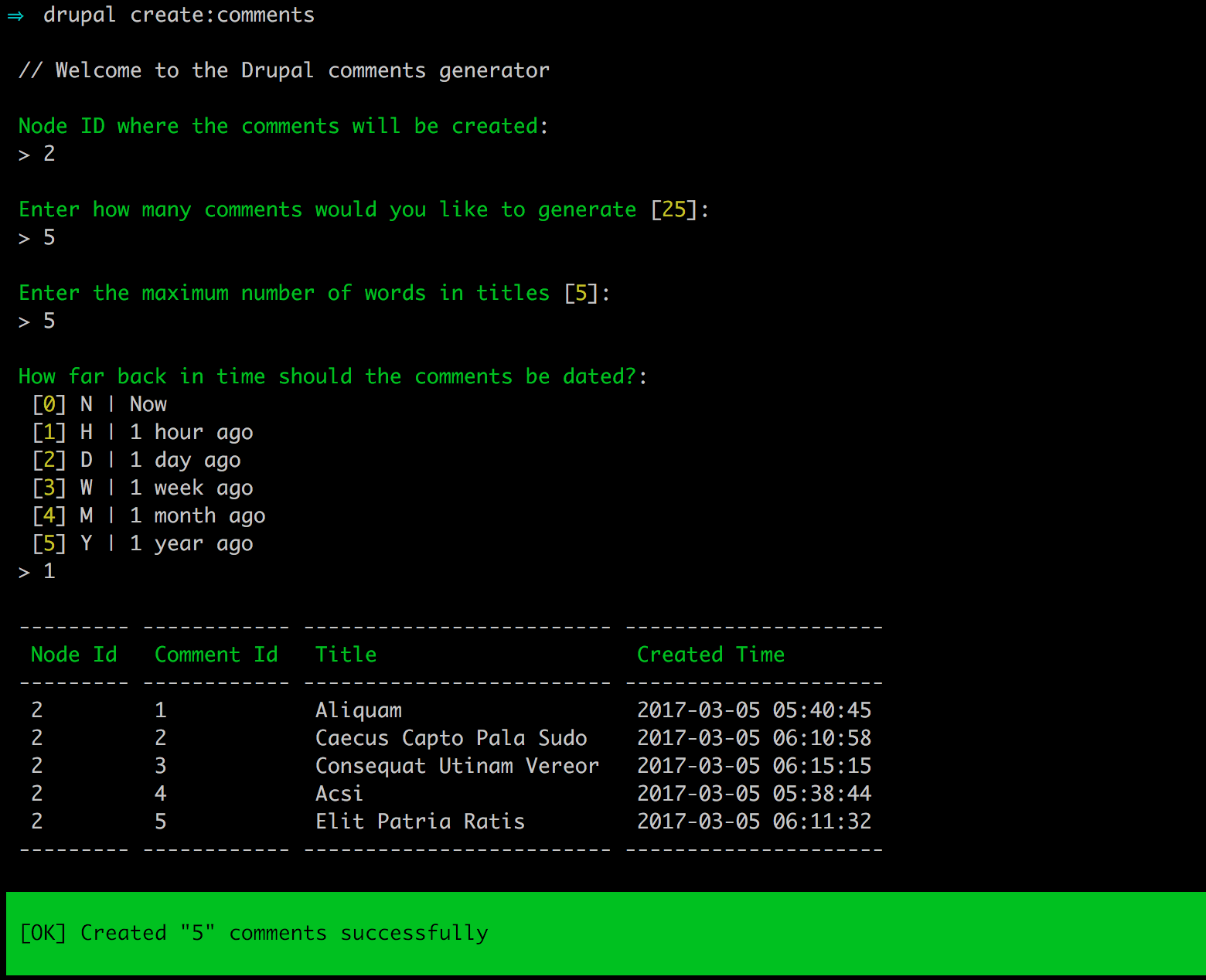
To attach the comments to a node, we need to know the node ID for the content. Now, if we were to navigate to /admin/content/comment, we would see a list of dummy comments and the content they are associated with.