
To install the package, we'll go to the Terminal and install the module using npm init, to create the package.json file:
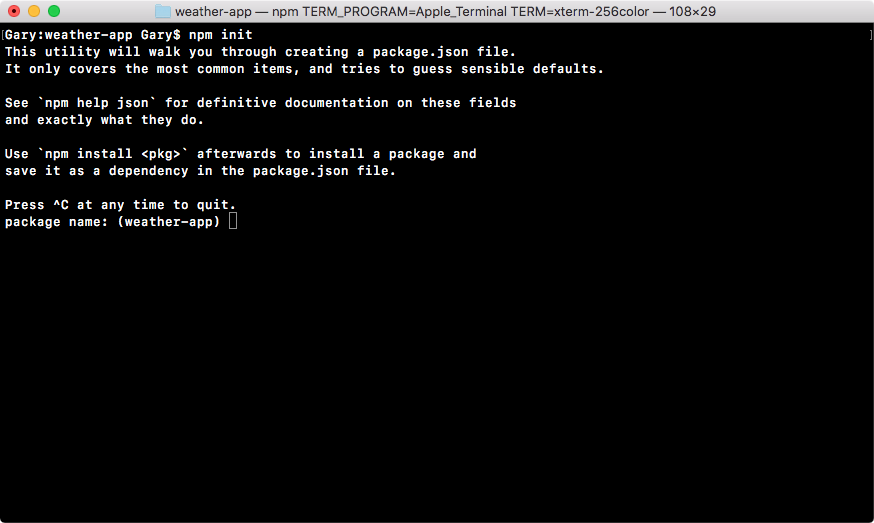
We'll run this command and use enter to use the defaults for every single option:
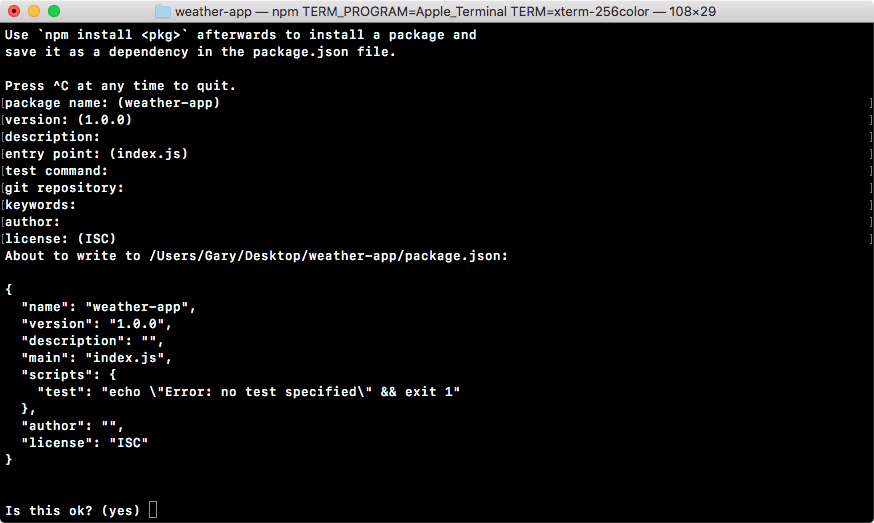
At the end, we'll type yes and hit enter again.
Now that we have our package.json file we can use npm install, followed by the module name, request, and I will specify a version. You can always find the latest version of modules on the npm page. The latest version at the time of writing is 2.73.0, so we'll add that, @2.73.0. Then we can specify the save flag because we do want to save this module in our package.json file:
npm install request@2.73.0 --save
It will be critical for running the weather application.