
We'll be doing the testing using the super popular testing framework Mocha, which you can find at mochajs.org. This is a fantastic framework for creating and running test suites. It's super popular and their page has all the information you'd ever want to know about setting it up, configuring it, and all the cool bells and whistles it has included:
If you scroll down on this page, you'll be able to see a table of contents:
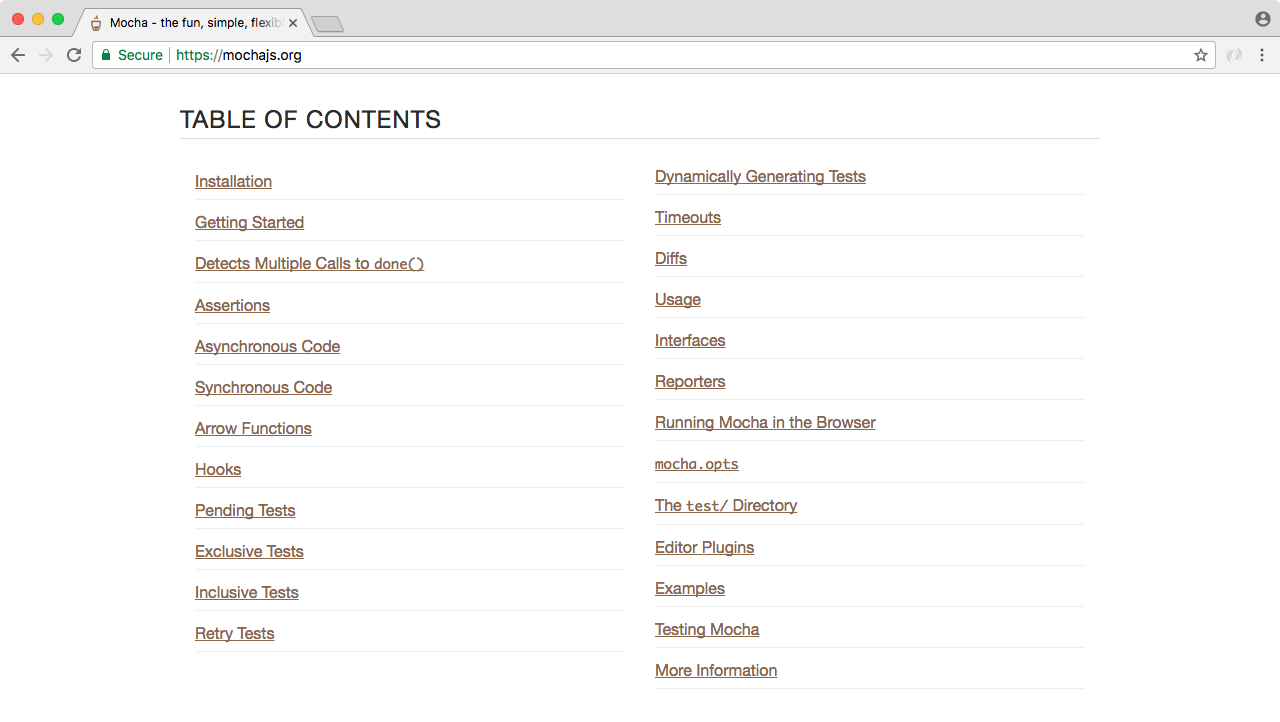
Here you can explore everything Mocha has to offer. We'll be covering most of it in this chapter, but for anything we don't cover, I do want to make you aware you can always learn about it on this page.
Now that we've explored the Mocha documentation page, let's install it and start using it. Inside the Terminal, we'll install Mocha. First up, let's clear the Terminal output. Then we'll install it using the npm install command. When you use npm install, you can also use the shortcut npm i. This has the exact same effect. I'll use npm i with mocha, specifying the version @3.0.0. This is the most recent version of the library as of this filming:
npm i mocha@3.0.0
Now we do want to save this into the package.json file. Previously, we've used the save flag, but we'll talk about a new flag, called save-dev. The save-dev flag is will save this package for development purposes only—and that's exactly what Mocha will be for. We don't actually need Mocha to run our app on a service like Heroku. We just need Mocha locally on our machine to test our code.
When you use the save-dev flag, it installs the module much the same way:
npm i mocha@5.0.0 --save-dev
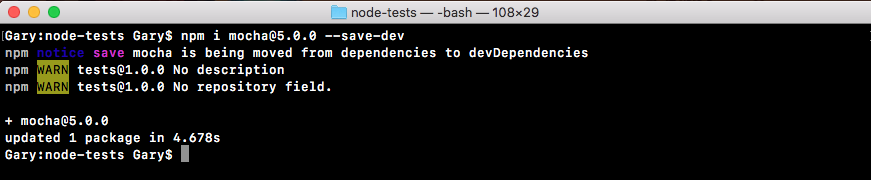
But if you explore package.json, you'll see things are a little different. Inside our package.json file, instead of a dependencies attribute, we have a devDependencies attribute:
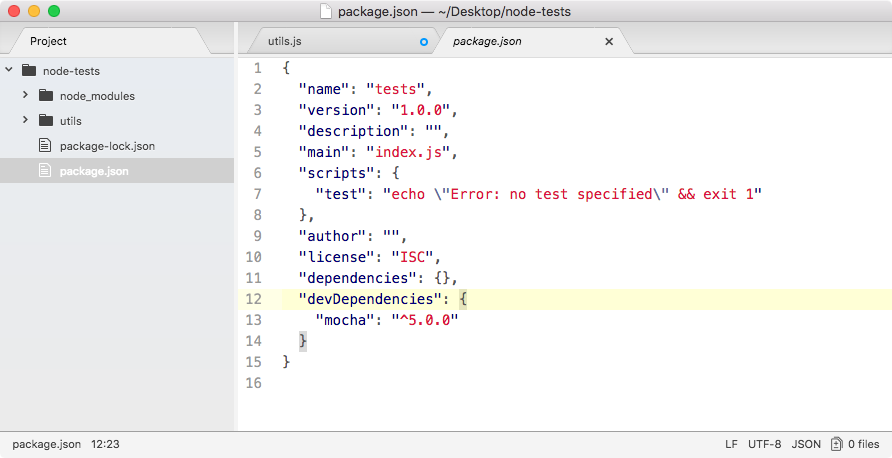
In there we have Mocha, with the version number as the value. The devDependencies are fantastic because they're not going to be installed on Heroku, but they will be installed locally. This will keep the Heroku boot times really, really quick. It won't need to install modules that it's not going to actually need. We'll be installing both devDependencies and dependencies in most of our projects from here on out.