
Before we can get started doing any encoding, we have to get the address from the user, and before we can set up yargs we have to install it. In the Terminal, we'll run the npm install command, the module name is yargs, and we'll look for version 10.1.1, which is the latest version at the time of writing. We'll use the save flag to run this installation, as shown in the following screenshot:
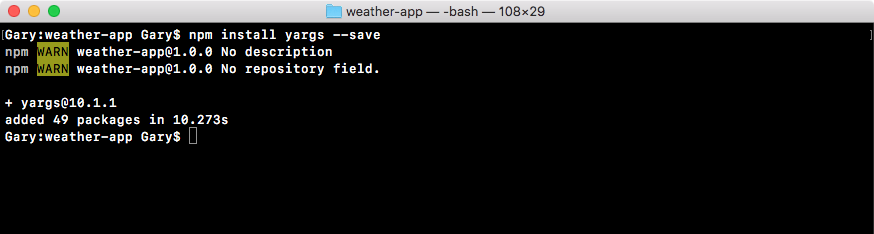
Now the save flag is great because as you remember. It updates the package.json file and that's exactly what we want. This means that we can get rid of the node modules folder which takes up a ton of space, but we can always regenerate it using npm install.
While the installation is going on, we do a bit of configuration in the app.js file. So we can get started by first loading in yargs. For this, in the app.js file, next to request constant, I'll make a constant called yargs, setting it equal to require(yargs) just like this:
const request = require('request');
const yargs = require('yargs');
Now we can go ahead and actually do that configuration. Next we'll make another constant called argv. This will be the object that stores the final parsed output. That will take the input from the process variable, pass it through yargs, and the result will be right here in the argv constant. This will get set equal to yargs, and we can start adding some calls:
const request = require('request');
const yargs = require('yargs');

const argv = yargs
Now when we created the notes app we had various commands, you could add a note and that required some arguments, list a note which required just the title, list all notes which didn't require any arguments, and we specified all of that inside of yargs.
For the weather app the configuration will be a lot simpler. There is no command, the only command would be get weather, but if we only have one why even make someone type it. In our case, when a user wants to fetch the weather all they will do is type node app.js followed by the address flag just like this:
node app.js --address
Then they can type their address inside of quotes. In my case it could be something like 1301 lombard street:
node app.js --address '1301 lombard street'
This is exactly how the command will get executed. There's no need for an actual command like fetch weather, we go right from the file name right into our arguments.