
In this case we'll make one HTML page that we'll be able to view in the browser. Before we get started, we do need to create a new directory, and everything inside this directory will be accessible via the web server, so it's important to not put anything in here that you don't want prying eyes to see.
Everything in the directory should be intended to be view able by anybody. We'll create a public folder to store all of our static assets, and inside here we'll make an HTML page. We'll create a help page for our example project by creating a file called help.html:
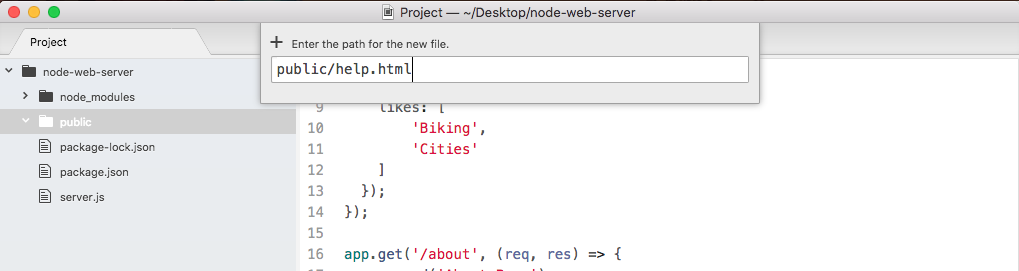
Now in help.html we will make a quick basic HTML file, although we'll not touch on all of the subtleties of HTML, since this is not really an HTML book. Instead, we'll just set up a basic page.
The first thing we need to do is create a DOCTYPE which lets the browser know what version of HTML we're using. That will look something like this:
<!DOCTYPE html>
After the opening tag, and the exclamation mark, we'd type DOCTYPE in uppercase. Then, we provide the actual DOCTYPE for HTML5, the latest version. Then we can use the greater than sign to close things up. In the next line, we'll open up our html tag so we can define our entire HTML file:
<!DOCTYPE html>
<html>
</html>
Inside html, there are two tags we'll use: the head tag which lets us configure our doc, and the body tag which contains everything we want to render to the screen.