
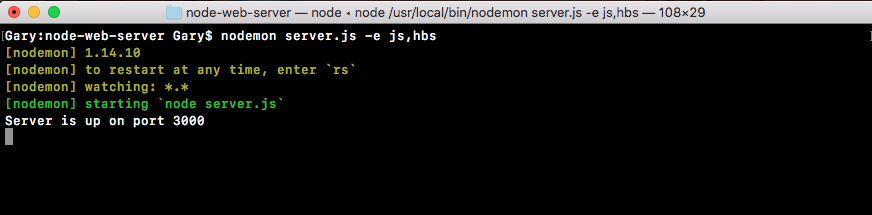
To illustrate how this works, I'll fire up my server and by default nodemon; it's not going to watch your handlebars files. So if you make a change, the website's not going to render as you might expect. We can fix this by running nodemon, passing in server.js and providing the -e flag. This lets us specify all of the extensions we want to watch. In our case, we'll watch the JS extension for the server file, and after the comma, the hds extension:
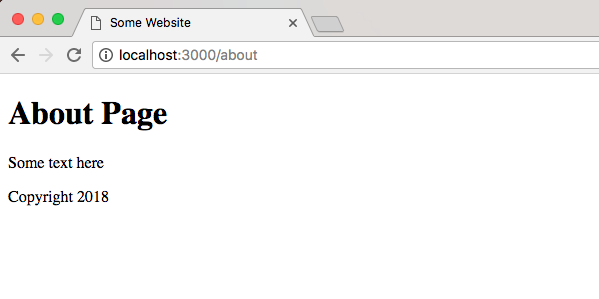
Now our app is up and running, we can refresh things over in the browser, and they should look the same. We have our about page with our footer:
We have our home page with the exact same footer:
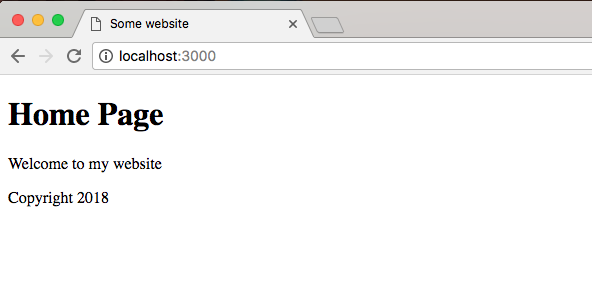
The advantage now is if we want to change that footer, we just do it in one place, in the footer.hbs file.
We can add something to our footer paragraph tag. Let's add a little message created by Andrew Mead with a -:
<footer>
 <p>Created By Andrew Mead - Copyright {{CurrentYear}}</p>
</footer>
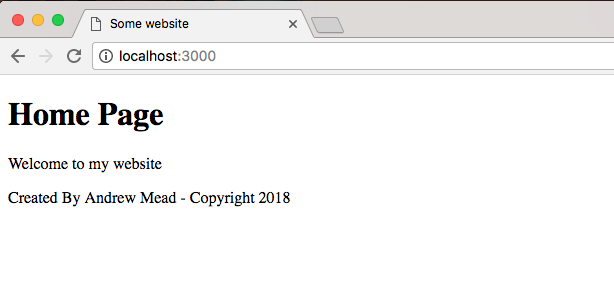
Now, save the file and when we refresh the browser, we have our brand new footer for Home Page:
We have our brand new footer for About Page:
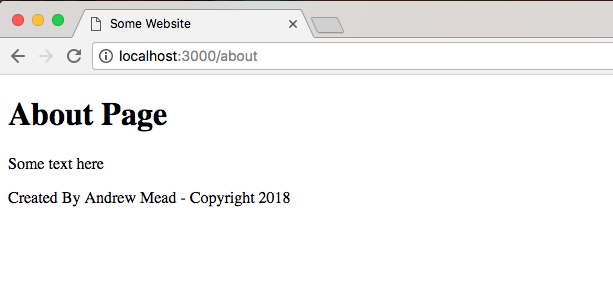
It will show up for both the home page and the about page. There's no need to do you anything manual in either of these pages, and this is the real power of partials. You have some code, you want to reuse it inside your website, so you simply create a partial and you inject it wherever you like.