
Inside the browser, we'll refresh the page, and we will get the following output:
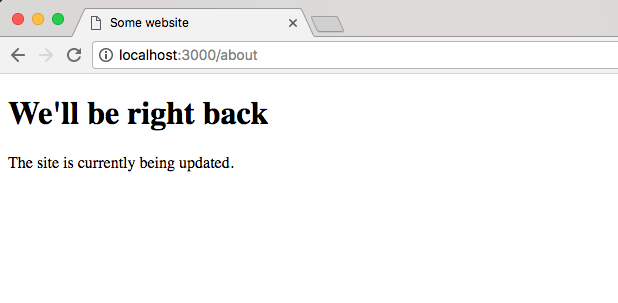
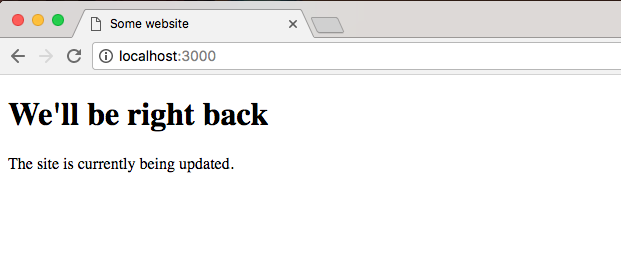
We get the maintenance page. We can go to the home page and we get the exact same thing:
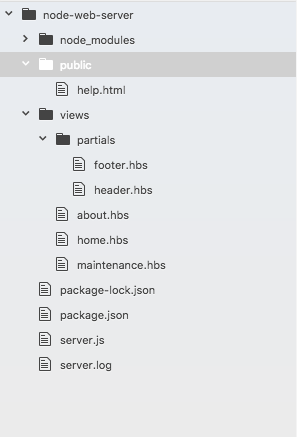
Now there's one more really important piece to middleware we haven't discussed yet. Remember inside the public folder, we have a help.html file as shown here:
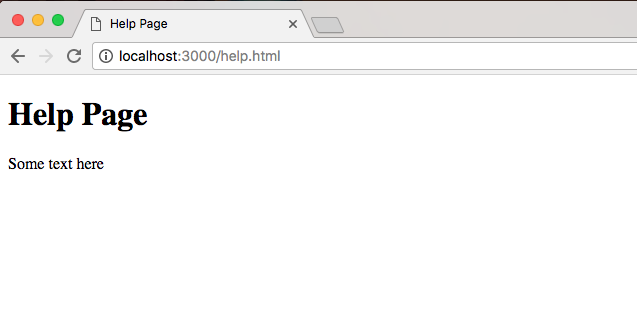
If we visit this in the browser by going to localhost:3000/help.html, we'll still get the help page. We'll not get the maintenance page:
That is because middleware is executed in the order you call app.use. This means the first thing we do is we set up our Express static directory, then we set up our logger, and finally we set up our maintenance.hbs logger:
app.use(express.static(__dirname + '/public'));

app.use((req, res, next) => {
  var now = new Date().toString();
  var log = `${now}: ${req.method} ${req.url}`;

  console.log(log);
  fs.appendFile('server.log', log + '\n');
  next();
});

app.use((req, res, next) => {
  res.render('maintenance.hbs');
});
This is a pretty big problem. If we also want to make the public directory files such as help.html private, we'll have to reorder our calls to app.use because currently the Express server is responding inside of the Express static middleware, so our maintenance middleware doesn't get a chance to execute.
To resolve this, we'll take the app.use Express static call, remove it from the file, and add it after we render the maintenance file to the screen. The resultant code is going to look like this:
app.use((req, res, next) => {
  var now = new Date().toString();
  var log = `${now}: ${req.method} ${req.url}`;

  console.log(log);
  fs.appendFile('server.log', log + '\n');
  next();
});

app.use((req, res, next) => {
  res.render('maintenance.hbs');
});

app.use(express.static(__dirname + '/public'));
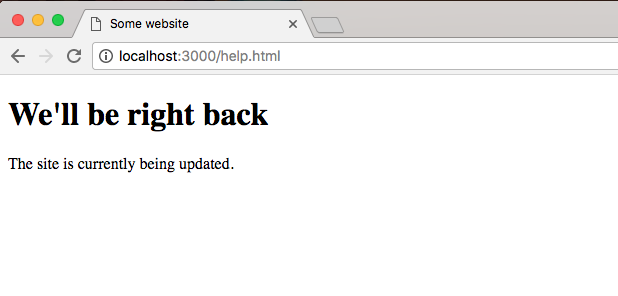
Now, everything will work as expected, no matter what we're going to log the request. Then we'll check if we're in maintenance mode if the maintenance middleware function is in place. If it is, we'll render the maintenance file. If it's not, we'll ignore it because it'll be commented out or something like that, and finally we'll be using Express static. This is going to fix all those problems. If I re-render the app now, I get the maintenance page on help.html:
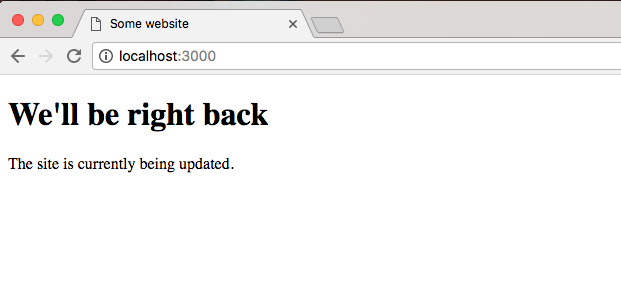
If I go back to the root of the website, I still get the maintenance page:
Now once we're done with the maintenance middleware, we can always comment it out. This will remove it from being executed, and the website will work as expected.
This has been a quick dive into Express middleware. We'll be using it a lot more throughout the book. We'll be using middleware to check if our API requests are actually authenticated. Inside the middleware, we'll be making a database request, checking if the user is indeed who they say they are.