
Now, what we got back from the Google Maps API request is nothing more than some JSON data, which means we can take that JSON data, convert it to a JavaScript object, and start accessing these properties in our code. To do this, we'll use a third-party module that lets us make these HTTP requests inside of our app; this one is called request.
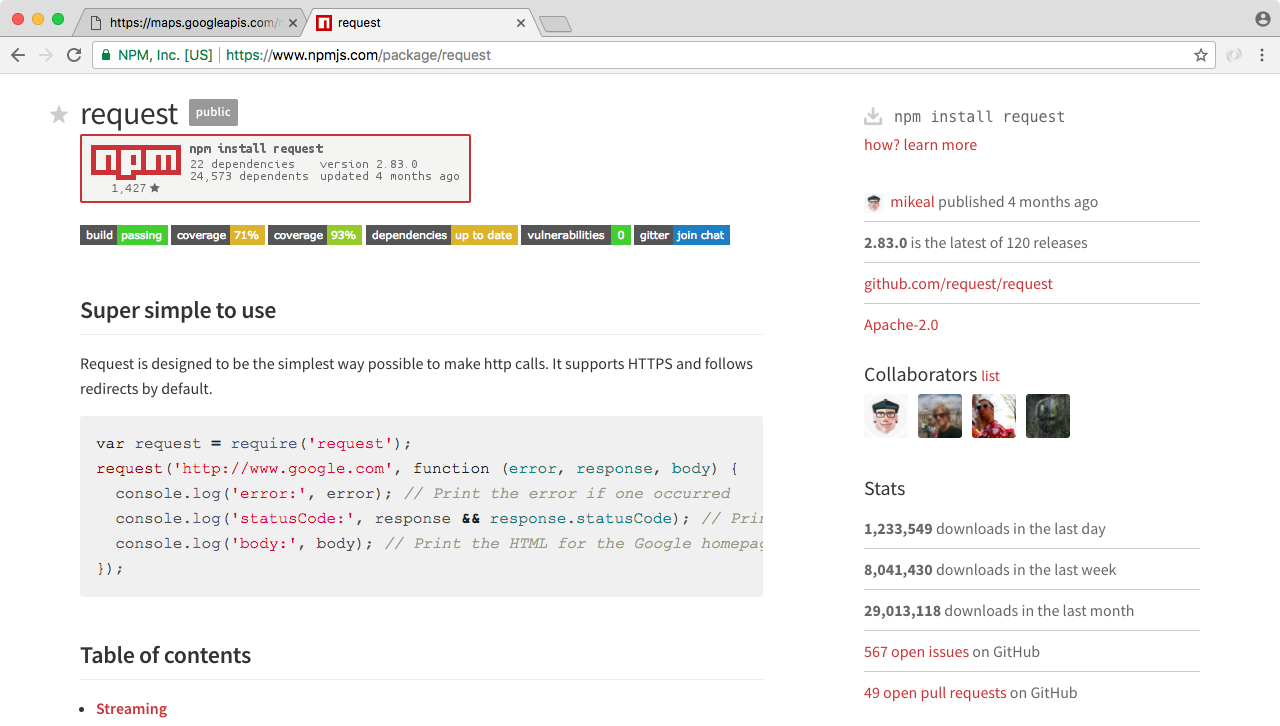
We can visit it by going to https://www.npmjs.com/package/request. When we visit this page, we'll see all the documentation and all the different ways we can use the request package to make our HTTP requests. For now, though, we'll stick to some basic examples. On the request documentation page, on the right-hand side, we can see this is a super popular package and it has seven hundred thousand downloads in the last day:
In order to get started we're going to install the package inside our project, and we'll make a request to this URL.