
To create a new repository, follow these steps:
- On the GitHub home page, in the right-hand side corner, navigate to the New repository button, which should look like this (click on Start New Project if it's a new one):
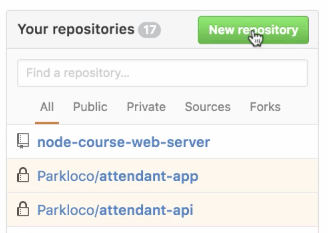
This will lead us to the new repository page:
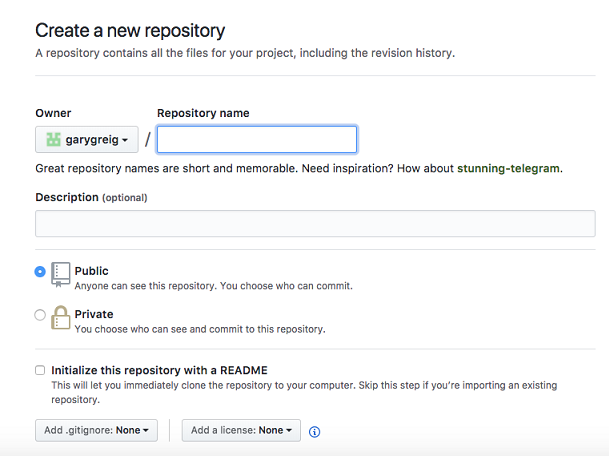
- Here, all we need to do is give it a name. I'm going to call this one node-course-2-web-server:
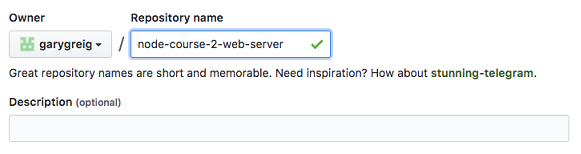
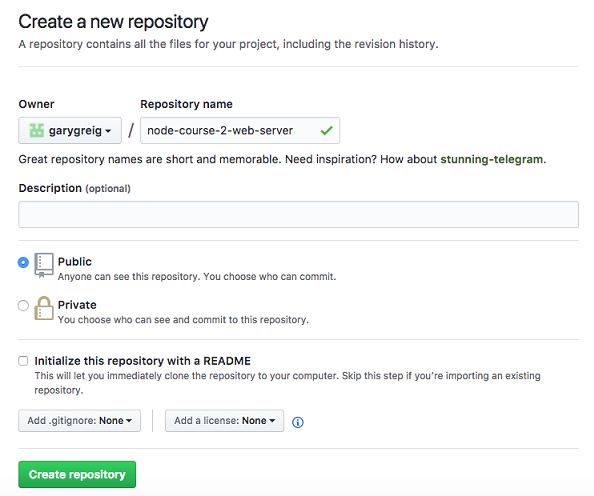
Once you have a name, you could give it an optional description and you can pick whether you want to go with a public or private repository.
Now private repositories do put you on a $7 plan. I do recommend that if you're creating projects with other companies.
- In this case though, we're creating pretty simple projects and it doesn't really matter if someone else finds the code, so go ahead and use a public repository by clicking that option.

- Once you have those two things filled out, click on the Create repository button:
This is going to get brought to your repository page:
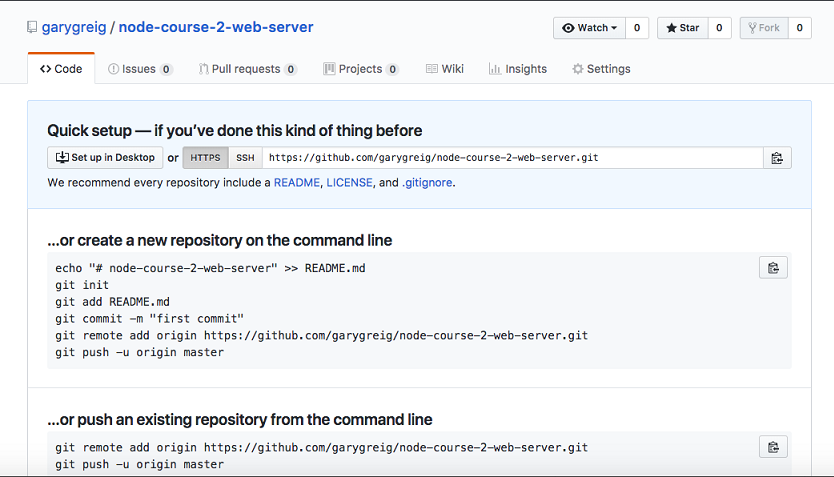
It will give you a little setup because currently there is no code to view, so it will give you a few instructions depending on which situation you're in.